



Programmable LED Matrix Sign for Cars – Waterproof Scrolling Display
-
Free Shipping $39.99+
-
30-Day Guarantee
-
24/7 Support
-
Secure Checkout
Programmable LED Matrix Sign for Cars – Waterproof Scrolling Display
Make Your Message Stand Out
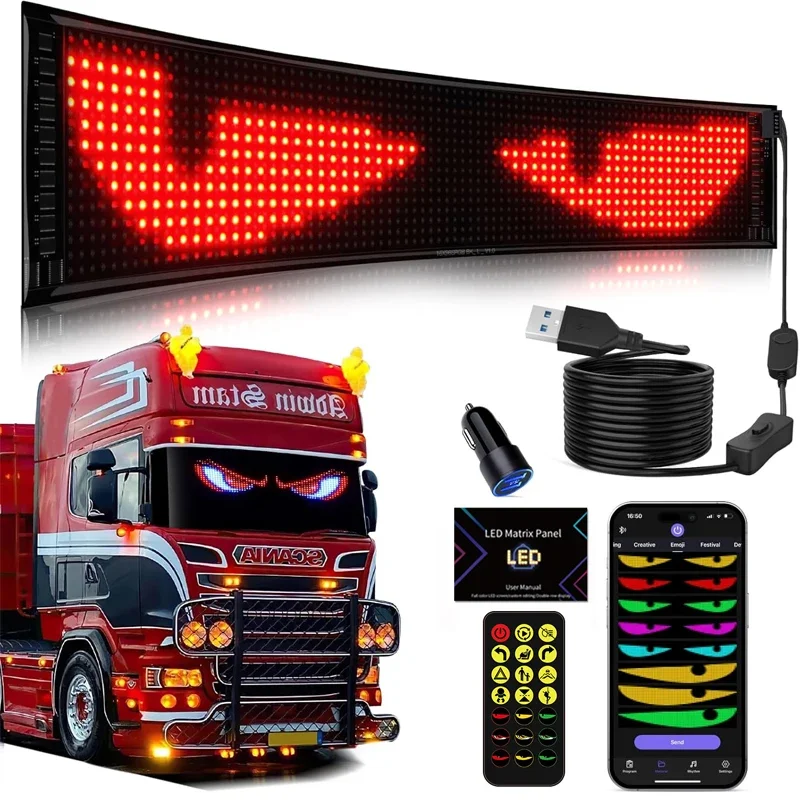
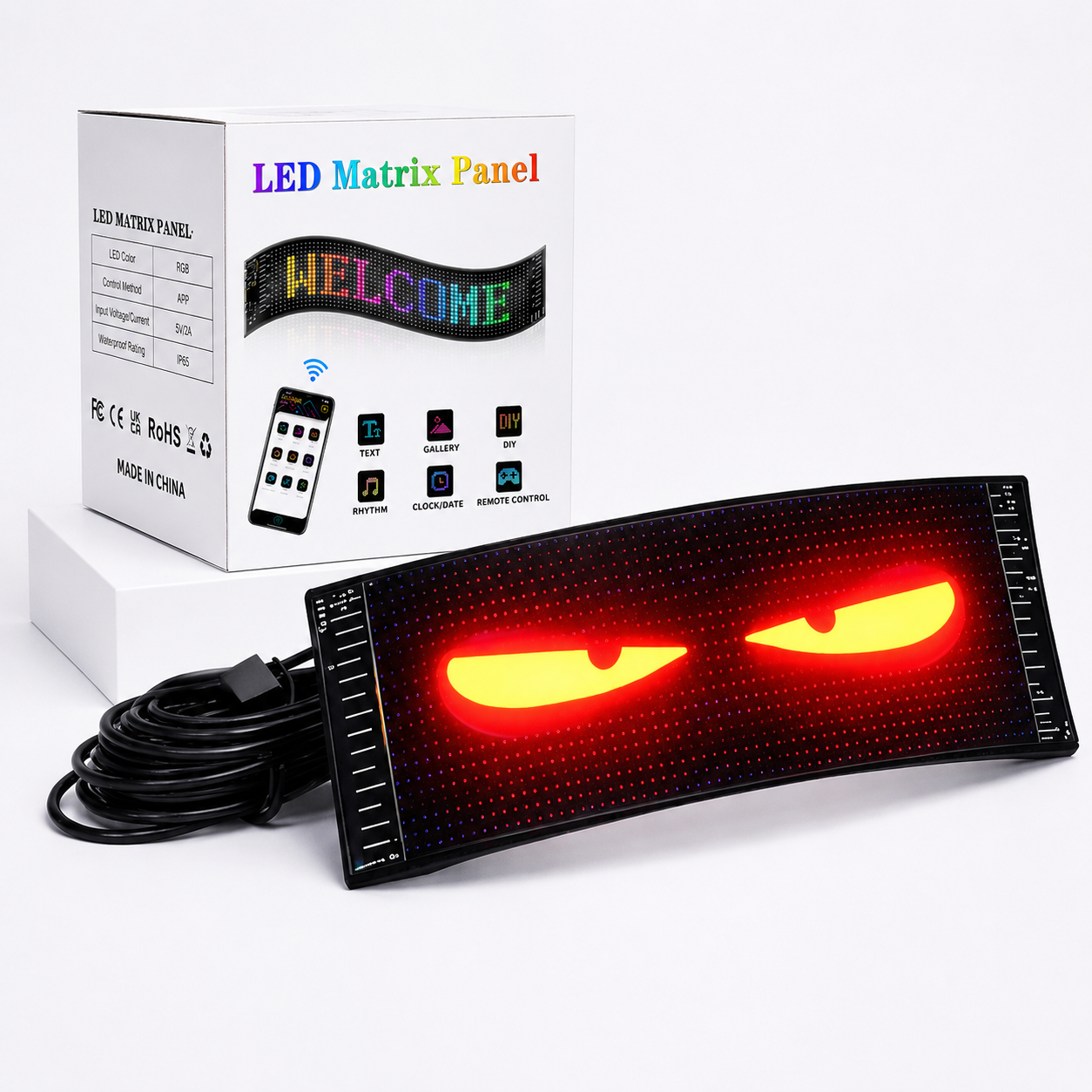
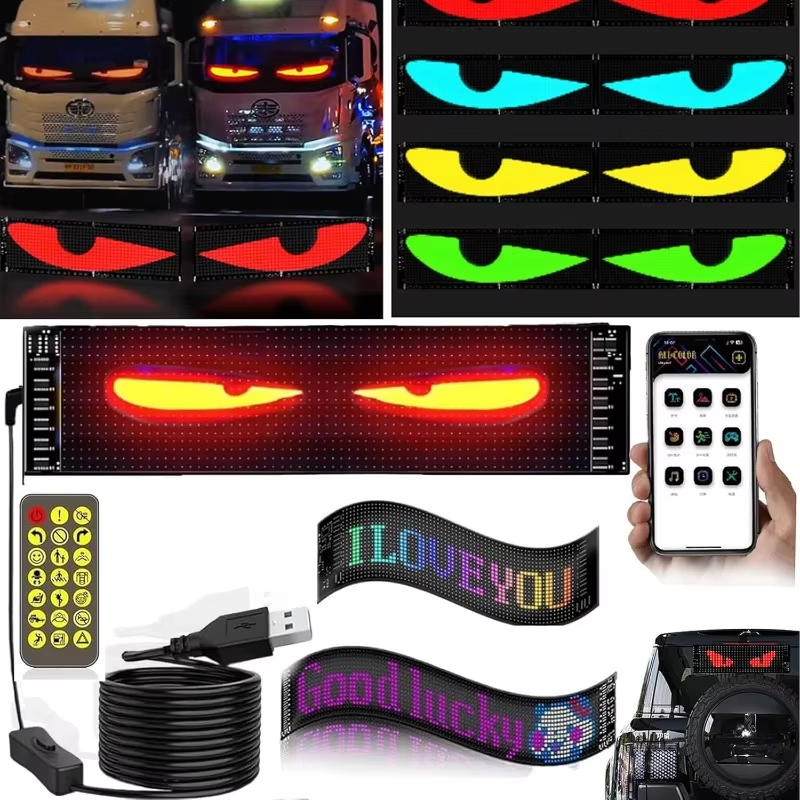
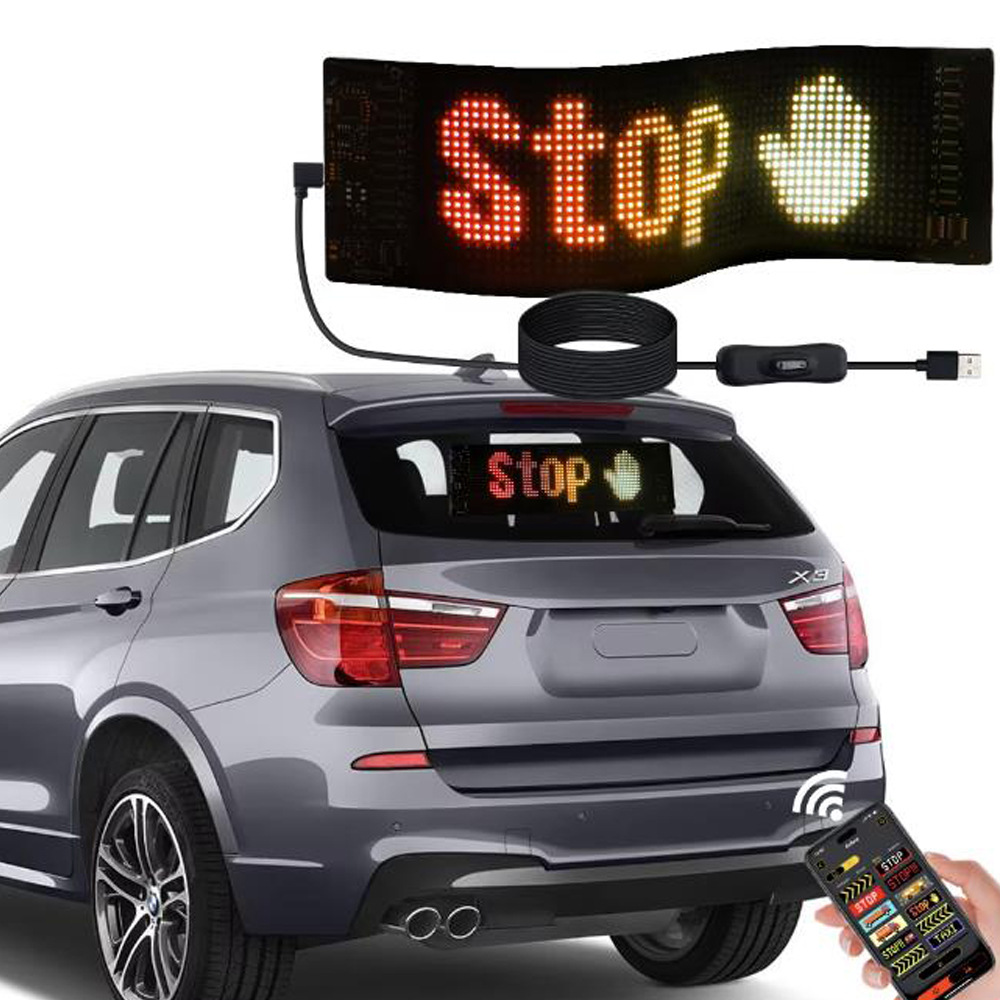
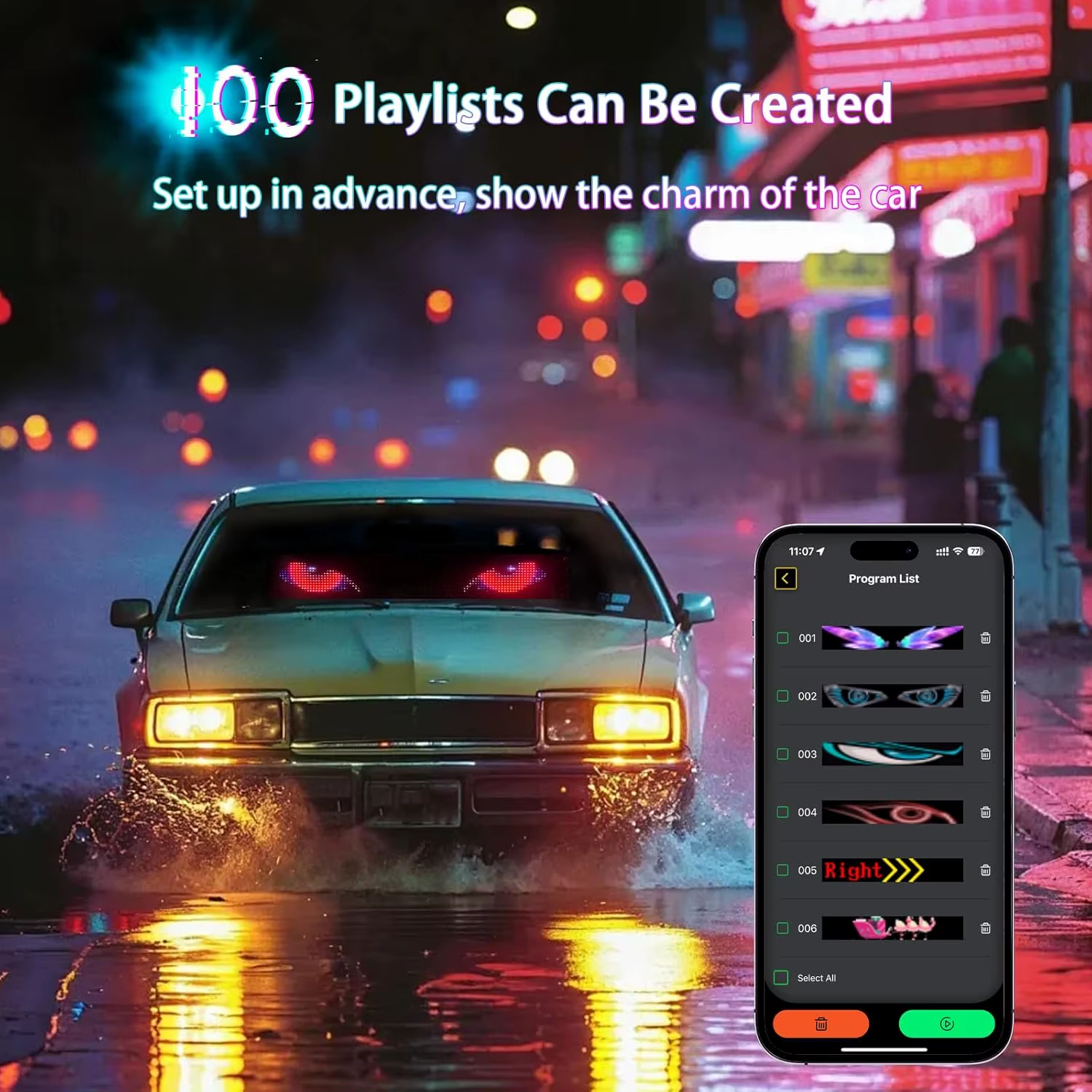
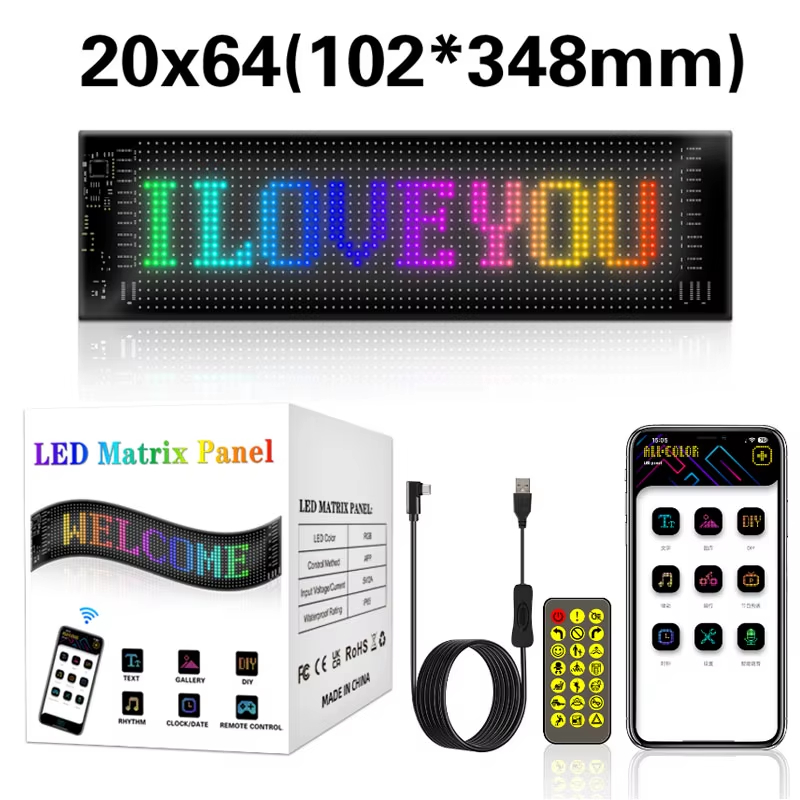
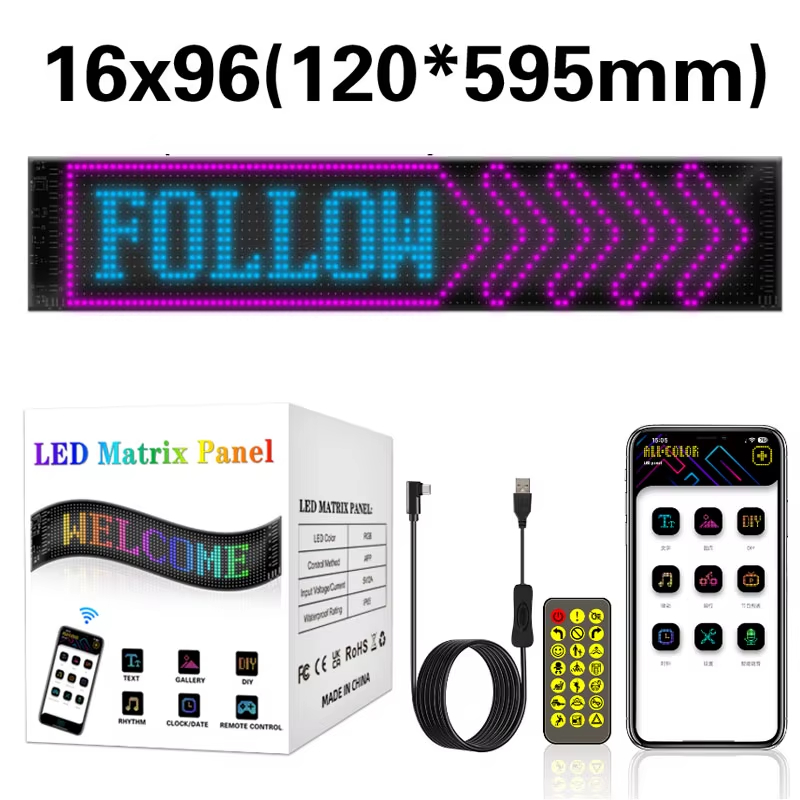
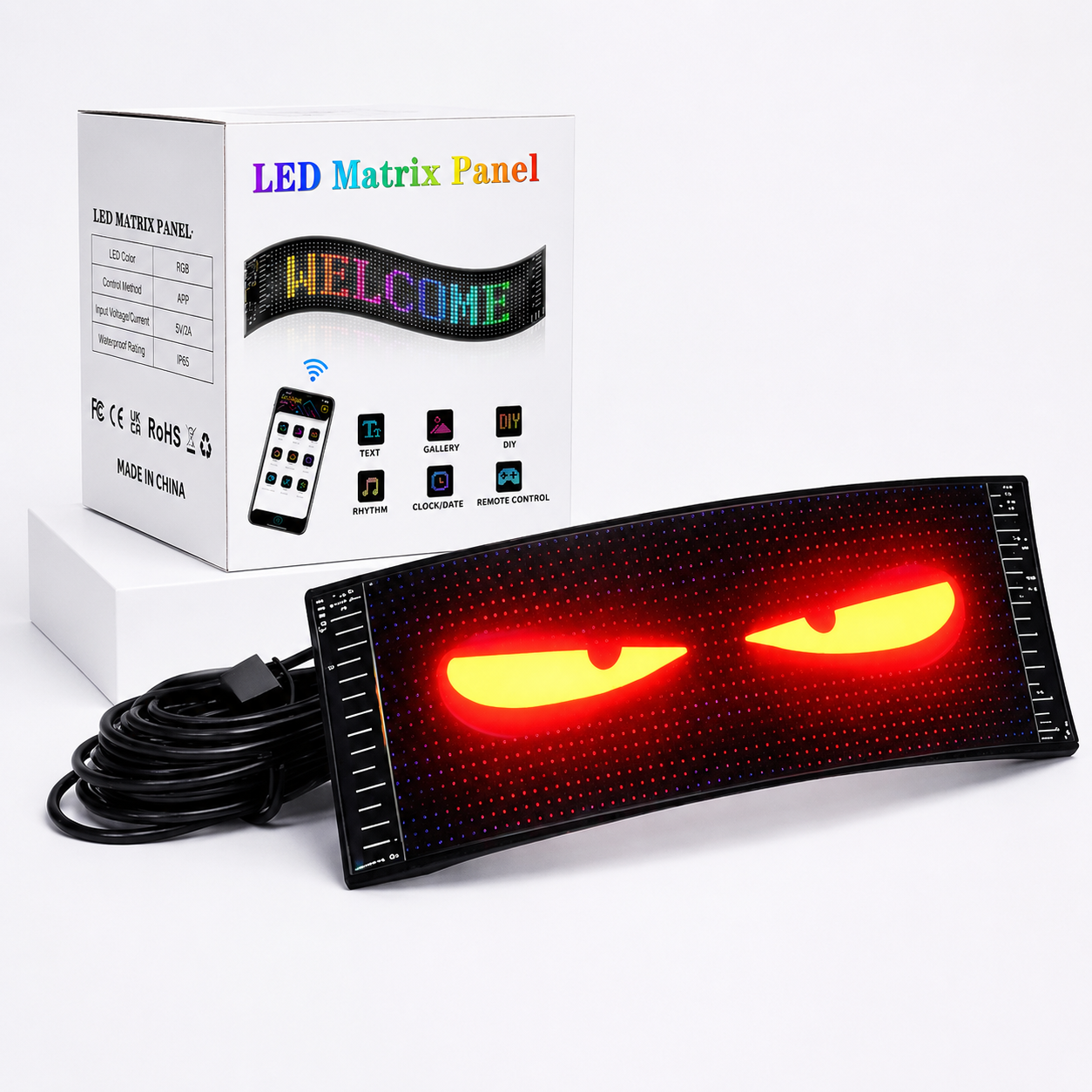
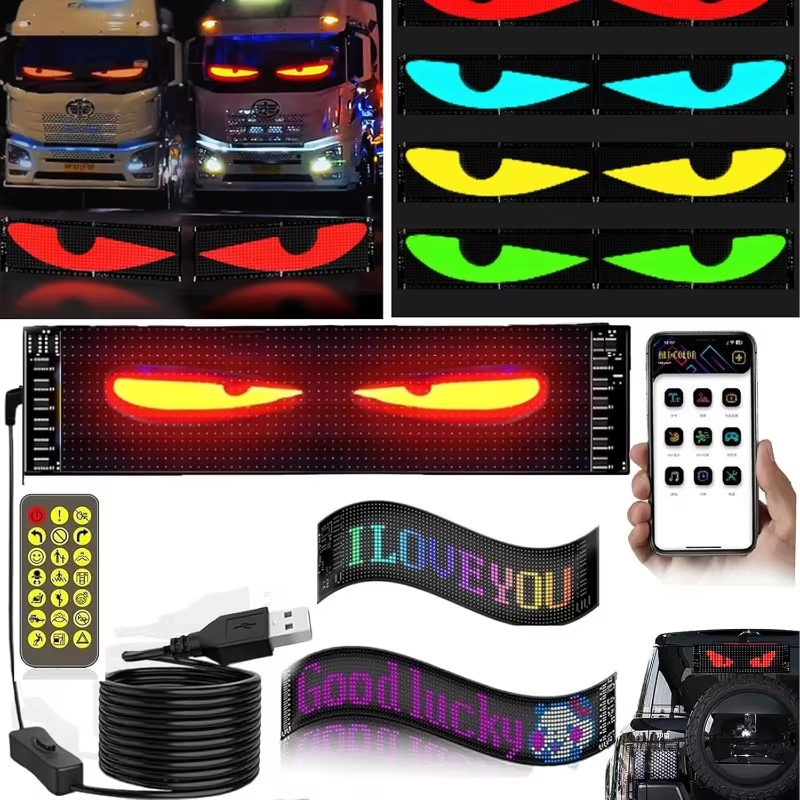
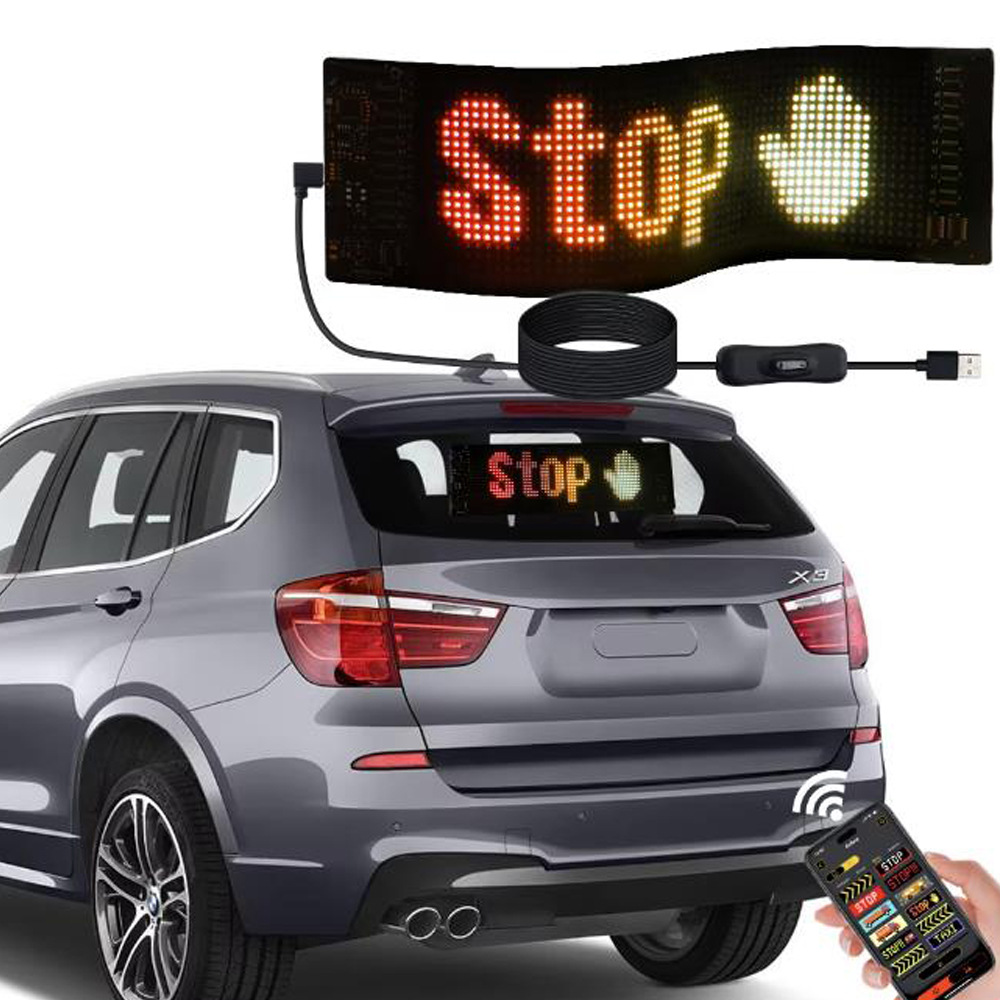
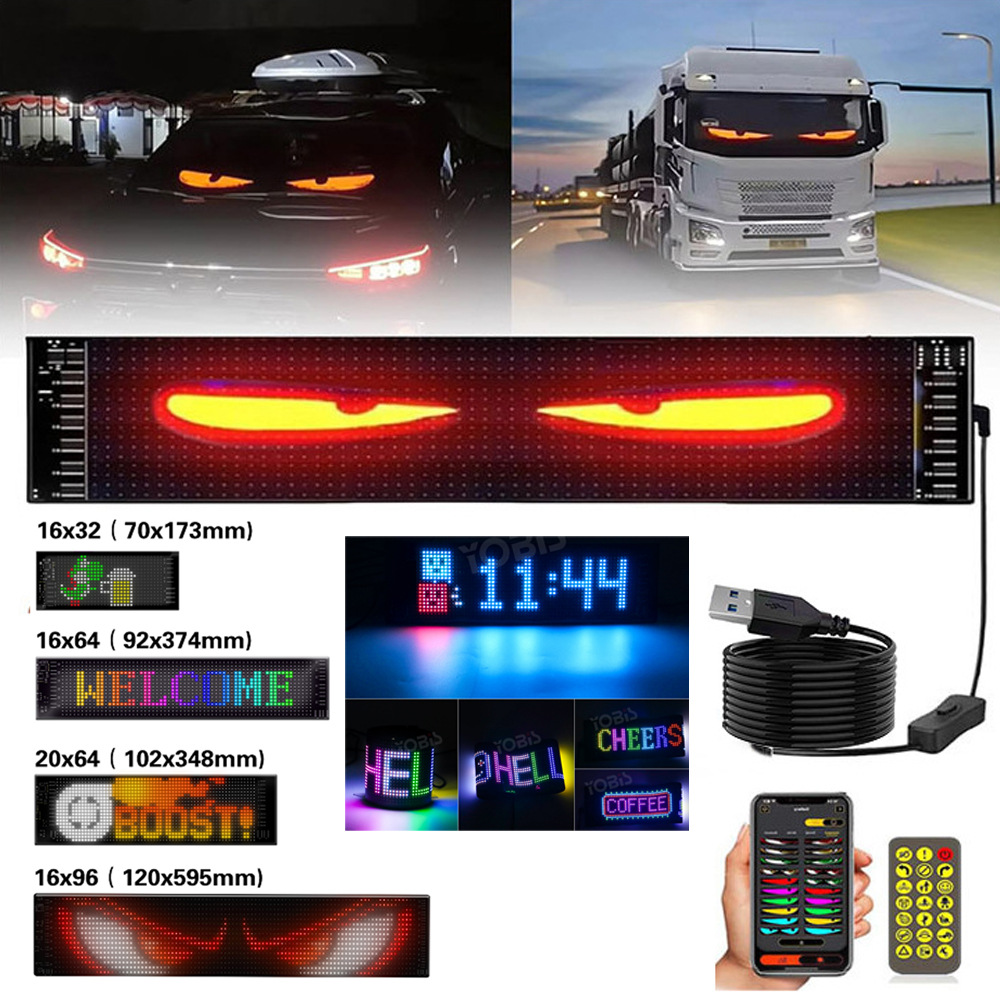
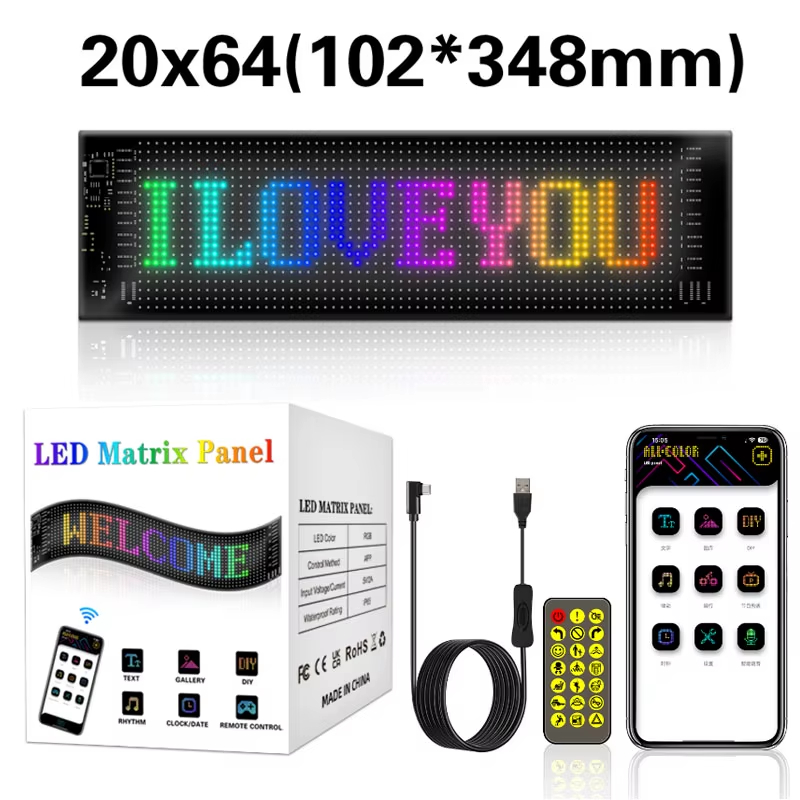
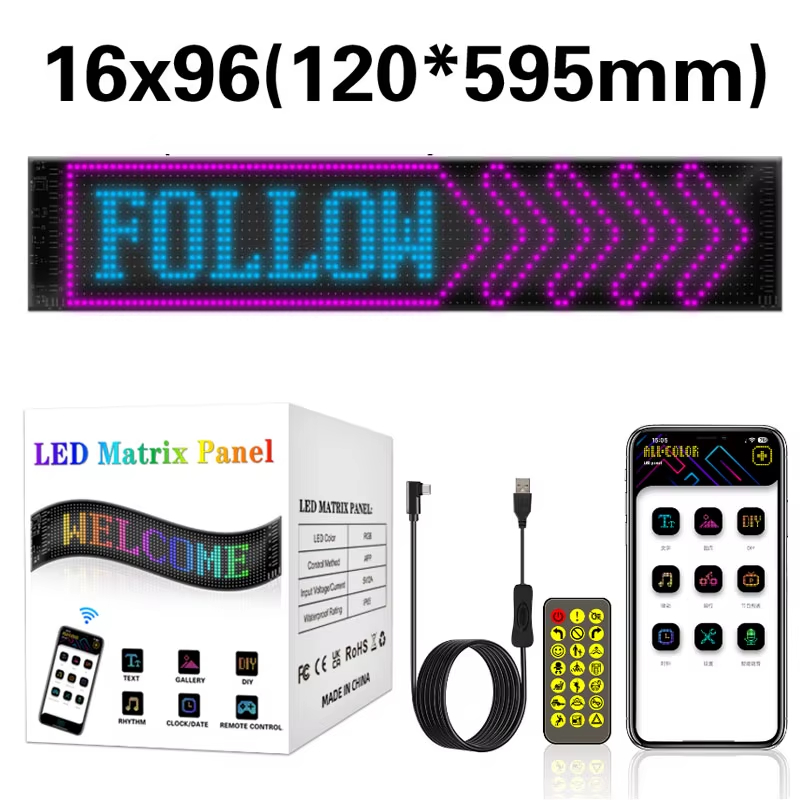
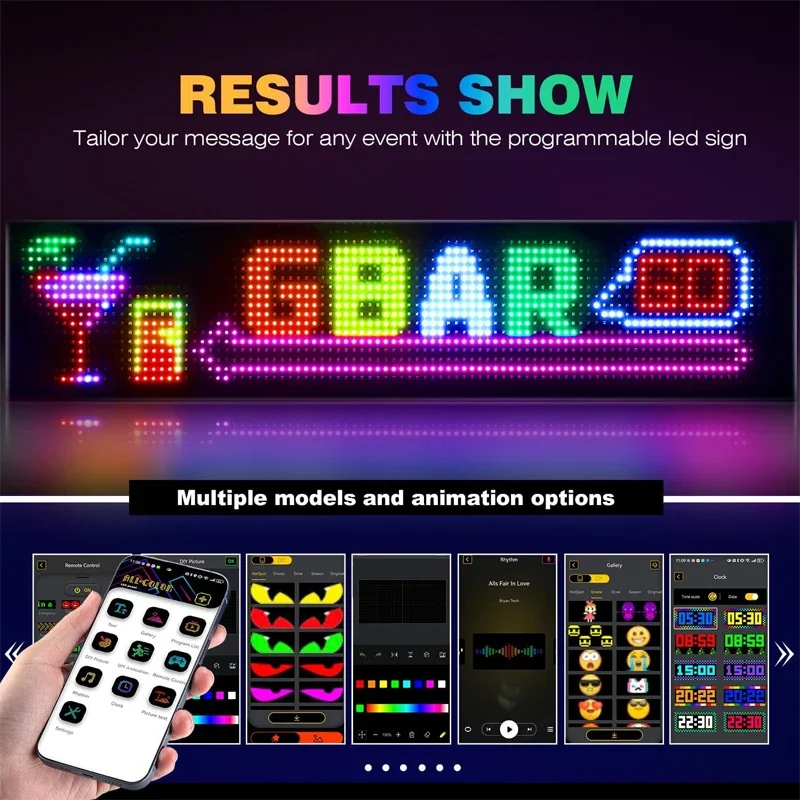
Turn any car, storefront, or space into a vibrant display with this Programmable LED Matrix Sign. Easily create custom scrolling text, animations, emojis, and patterns right from your smartphone. Whether you're advertising a business, expressing your personality, or decorating for an event, this flexible RGB LED display delivers eye-catching results day and night.
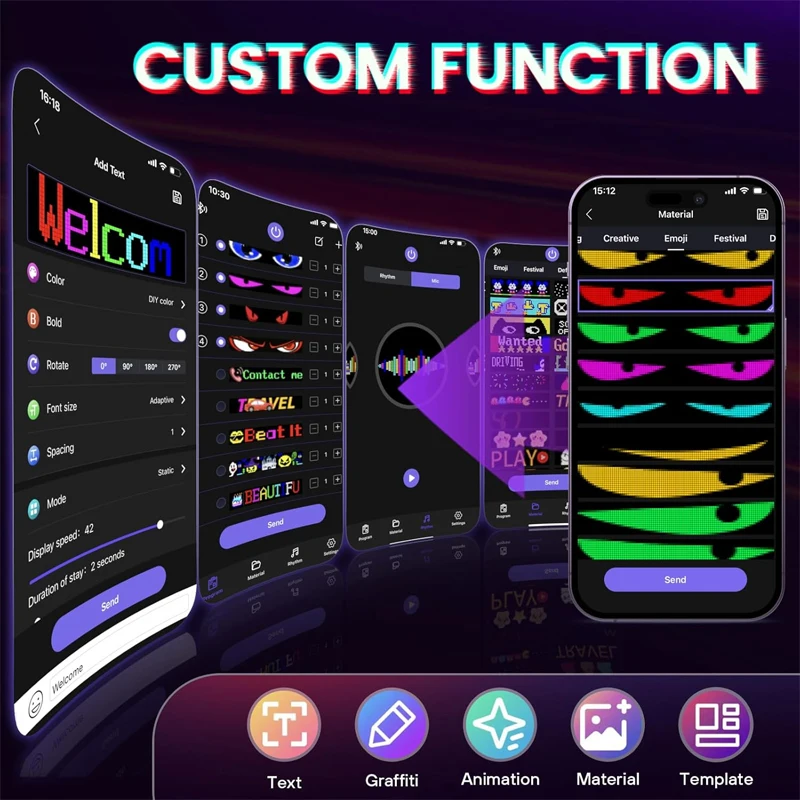
Features
✨ Brilliant RGB Display
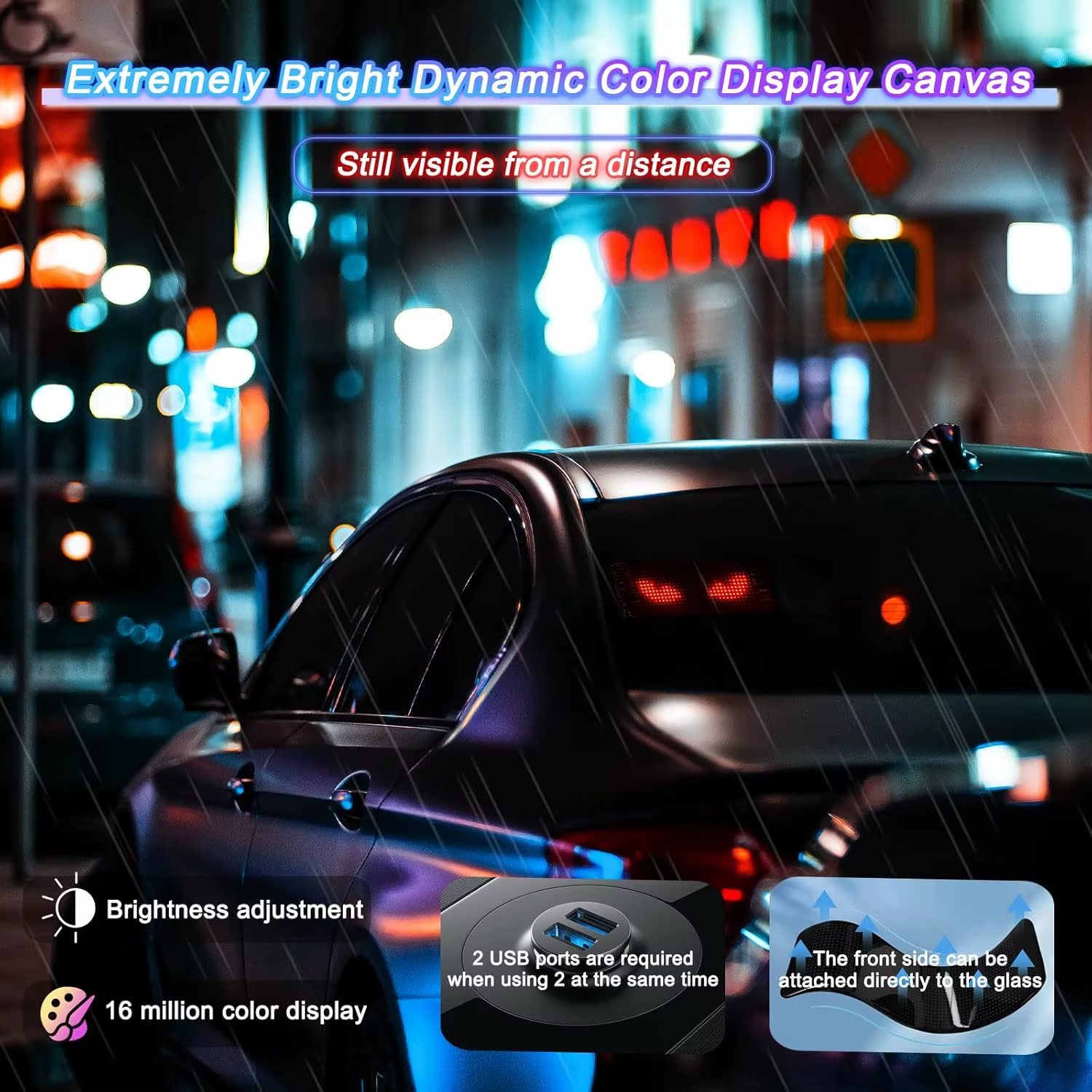
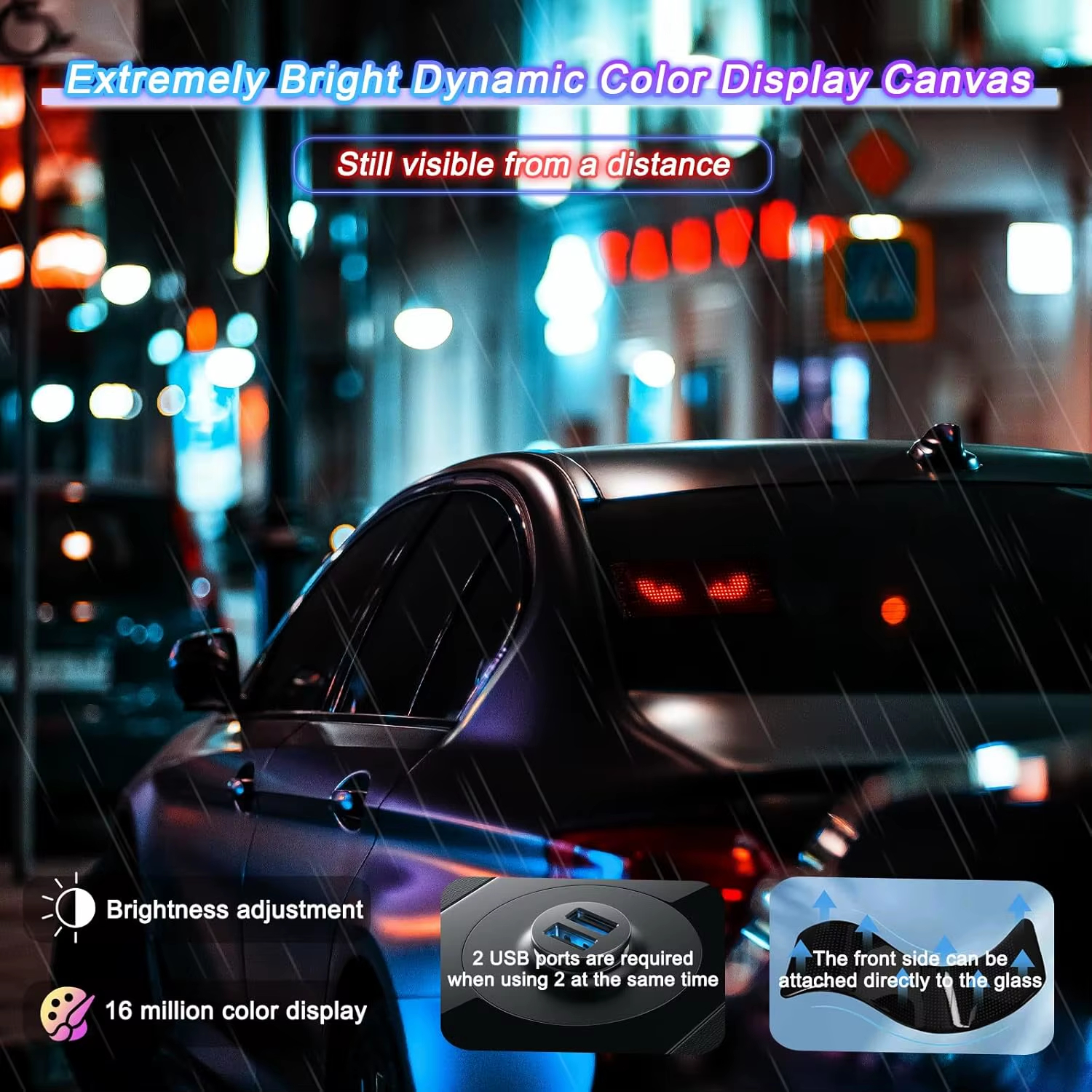
Built with high-brightness full-color RGB LEDs, delivering vivid colors while maintaining low power consumption for long-lasting performance.
📱 Smart App Control
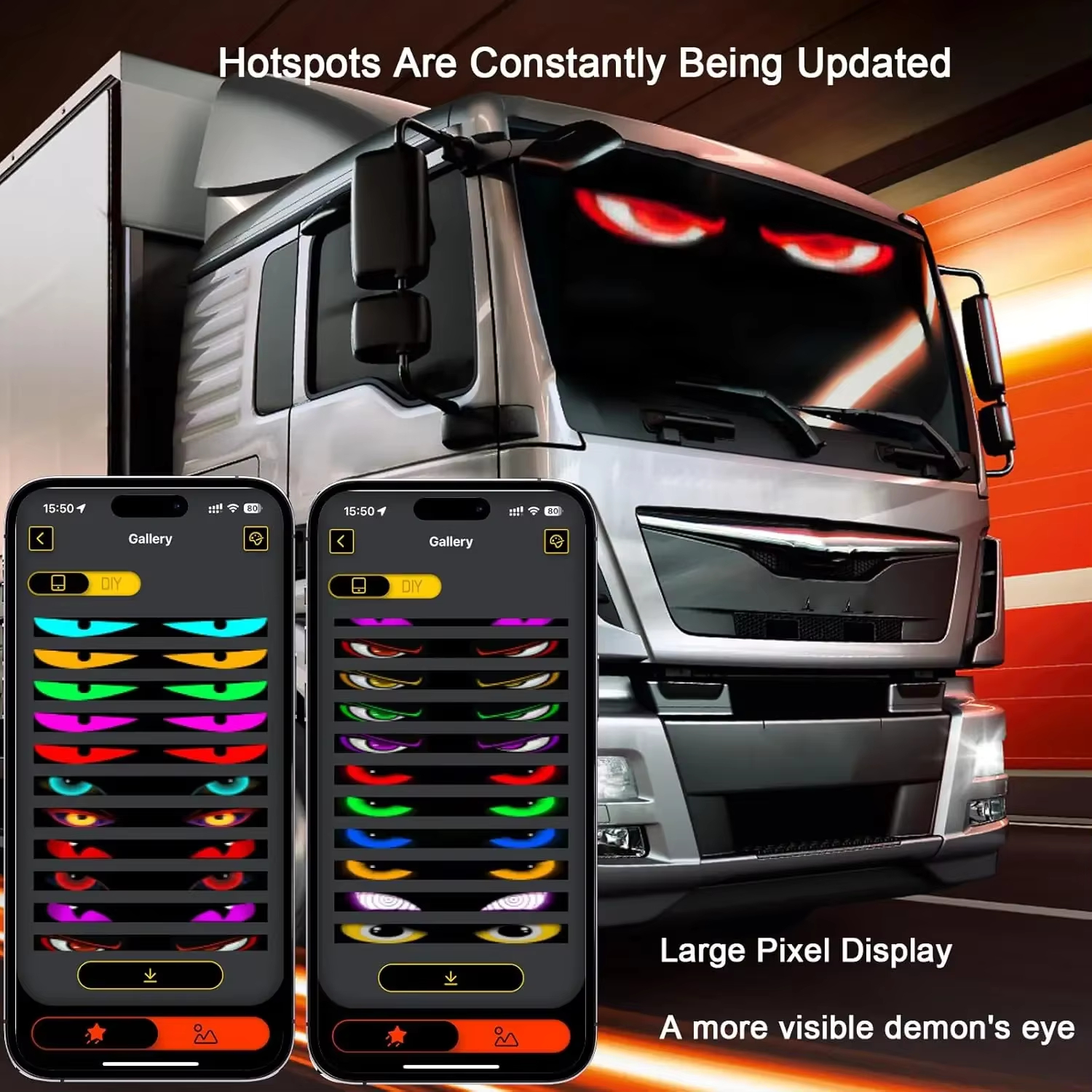
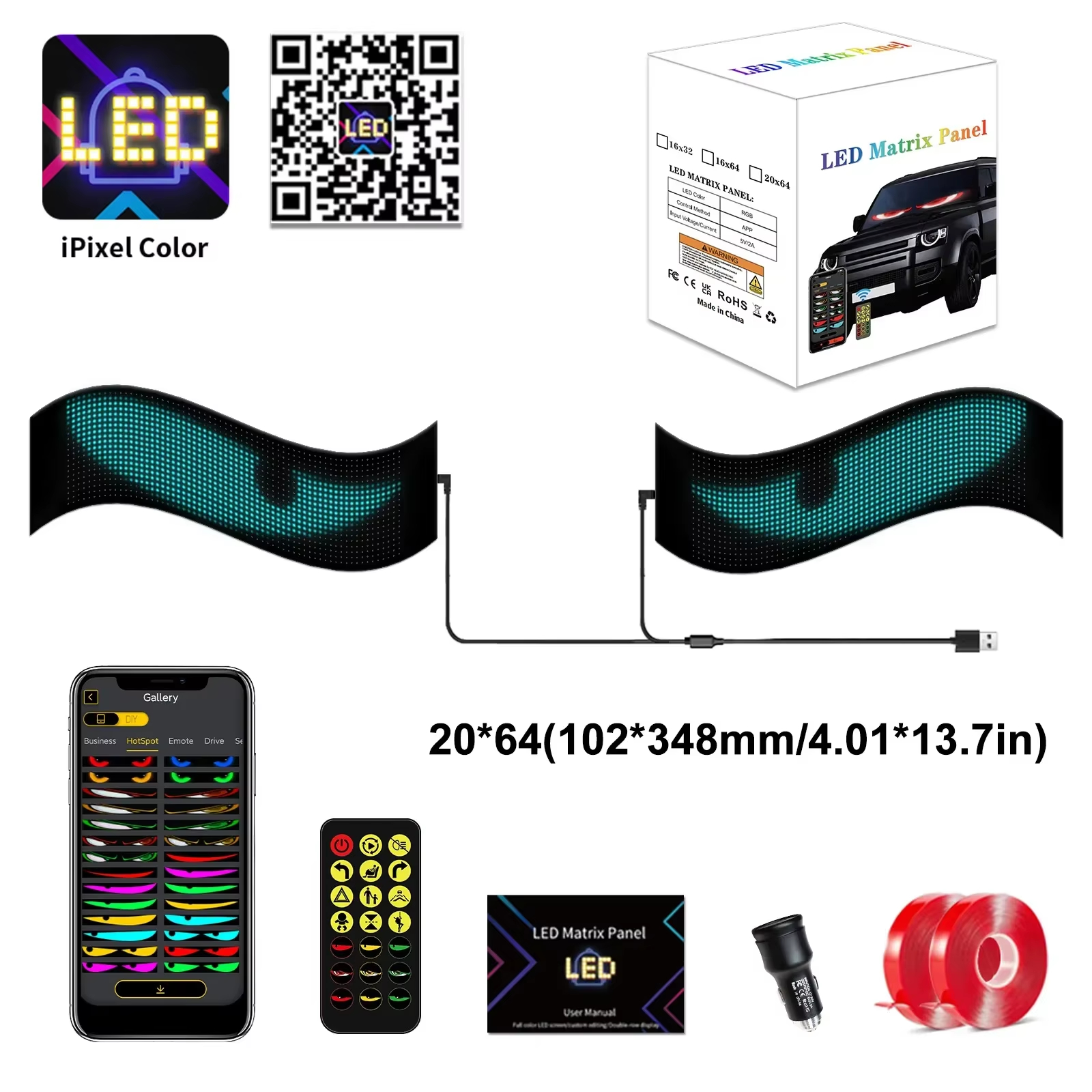
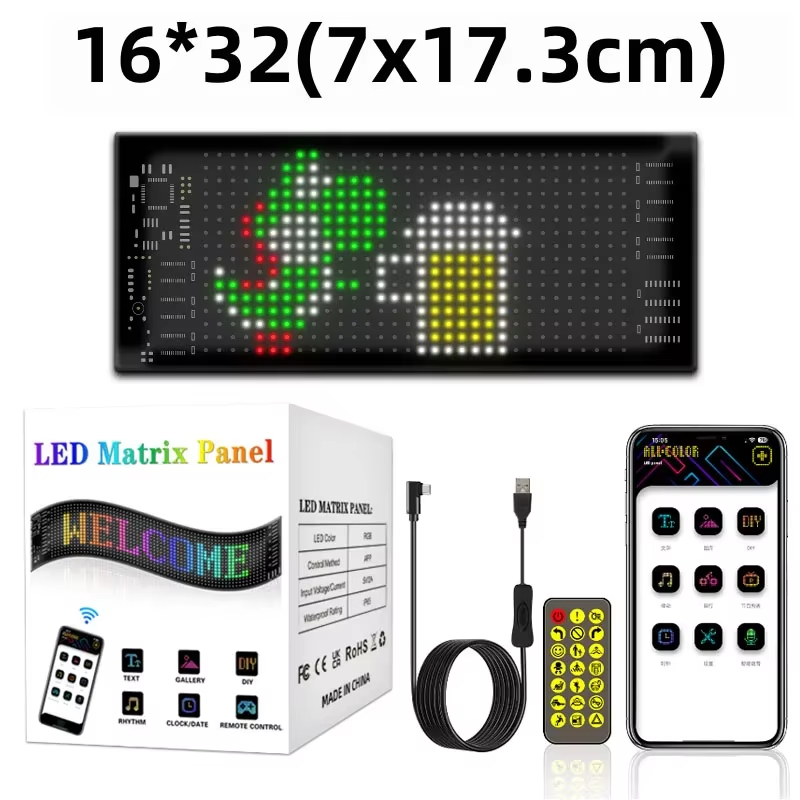
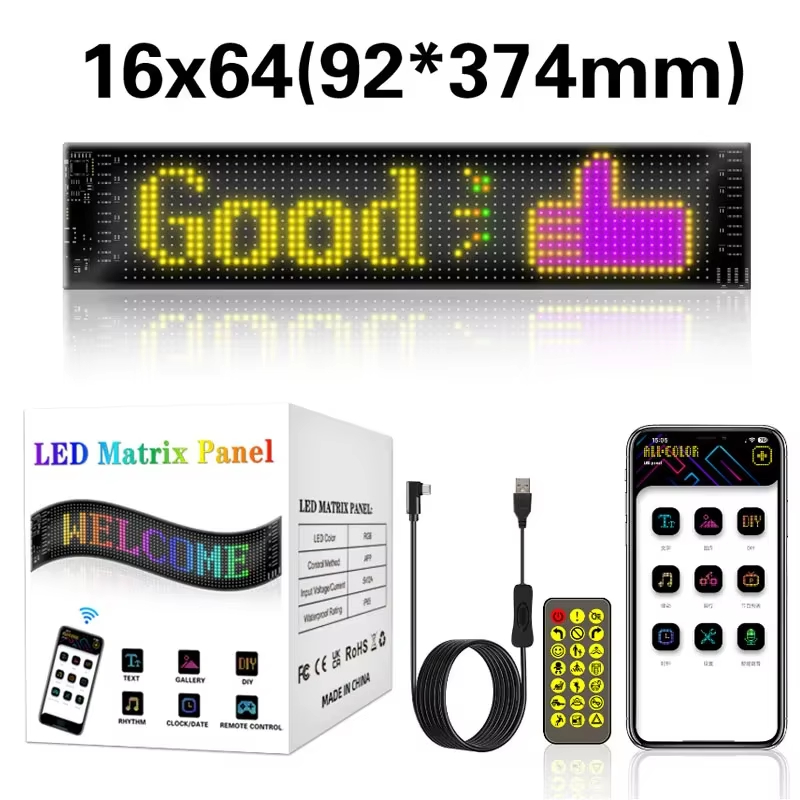
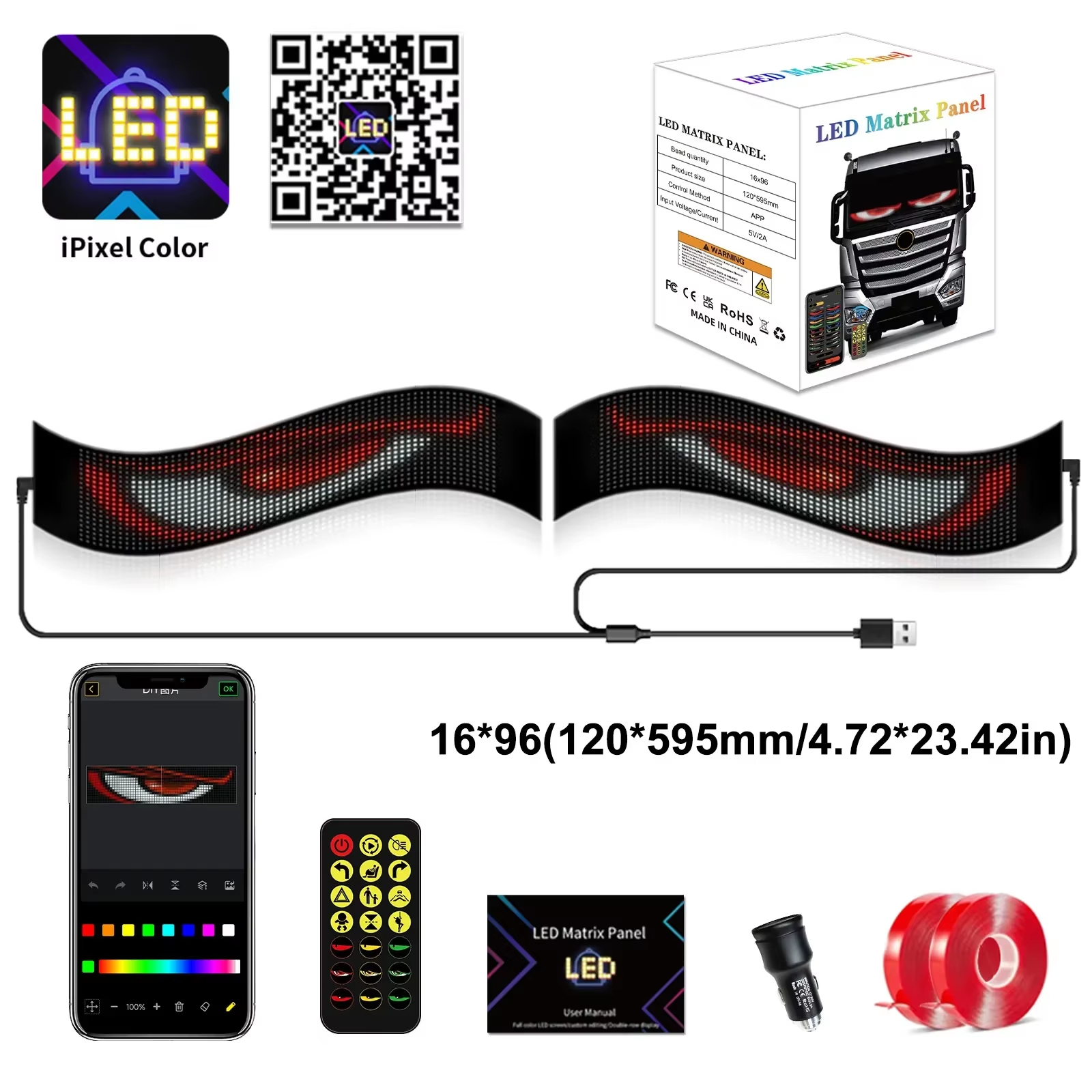
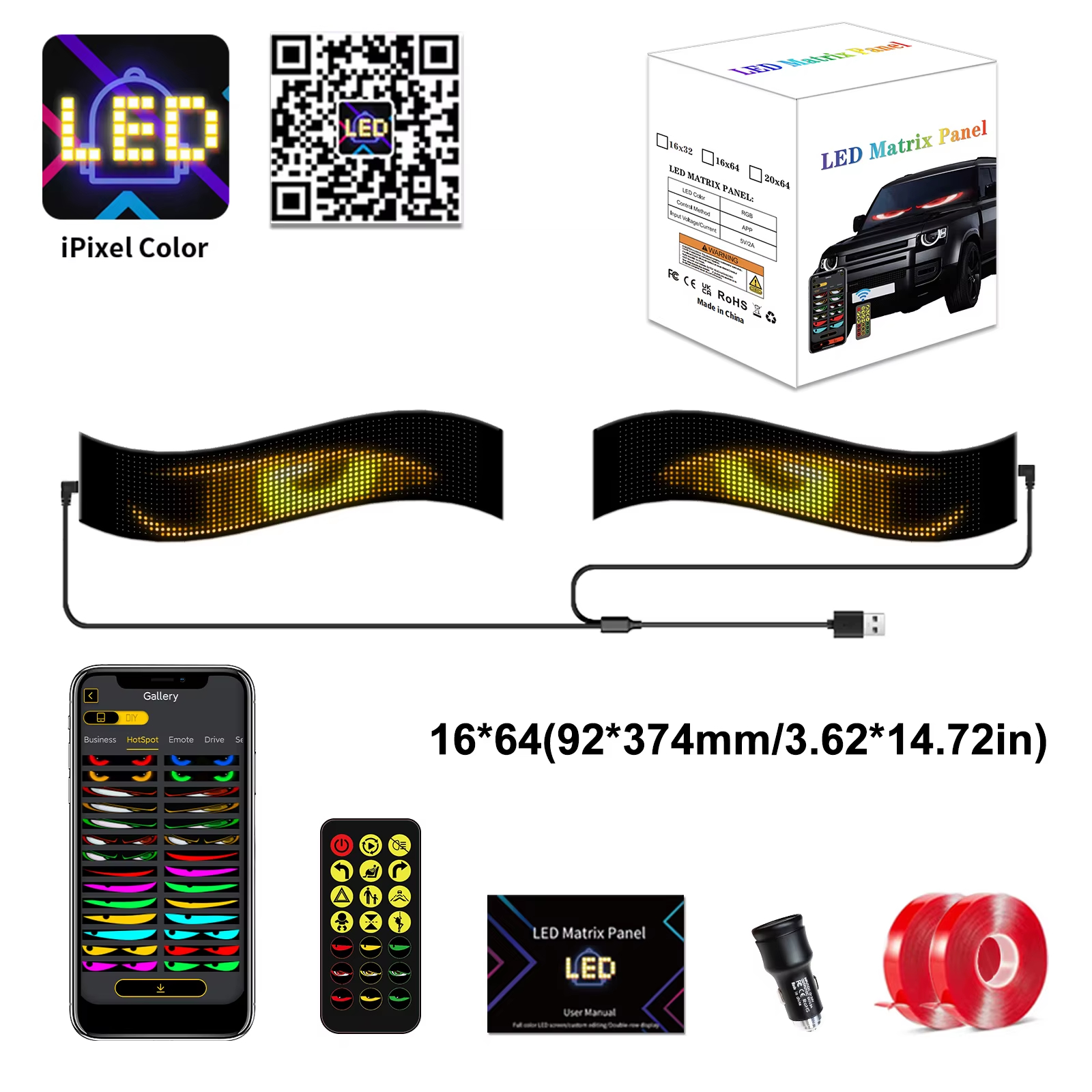
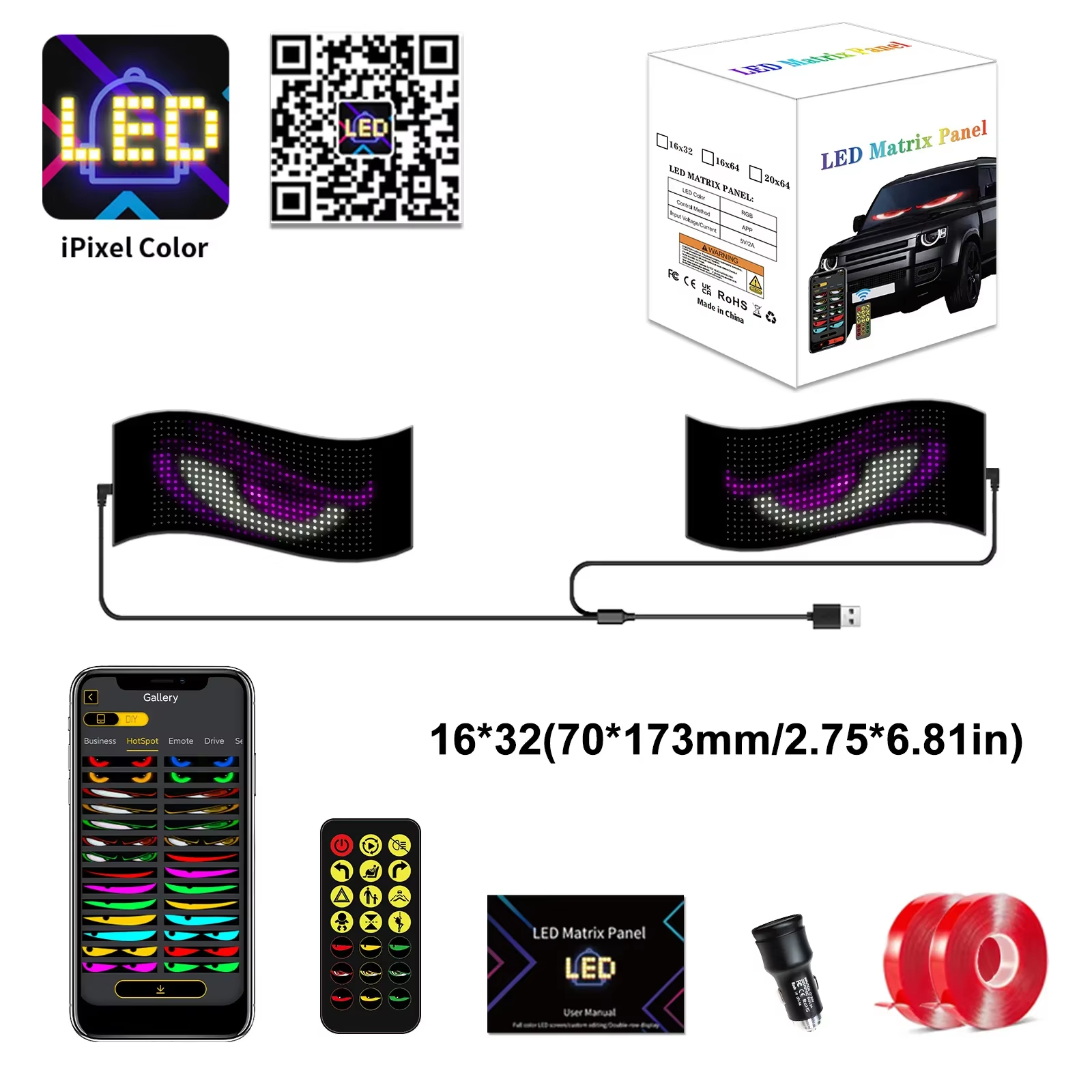
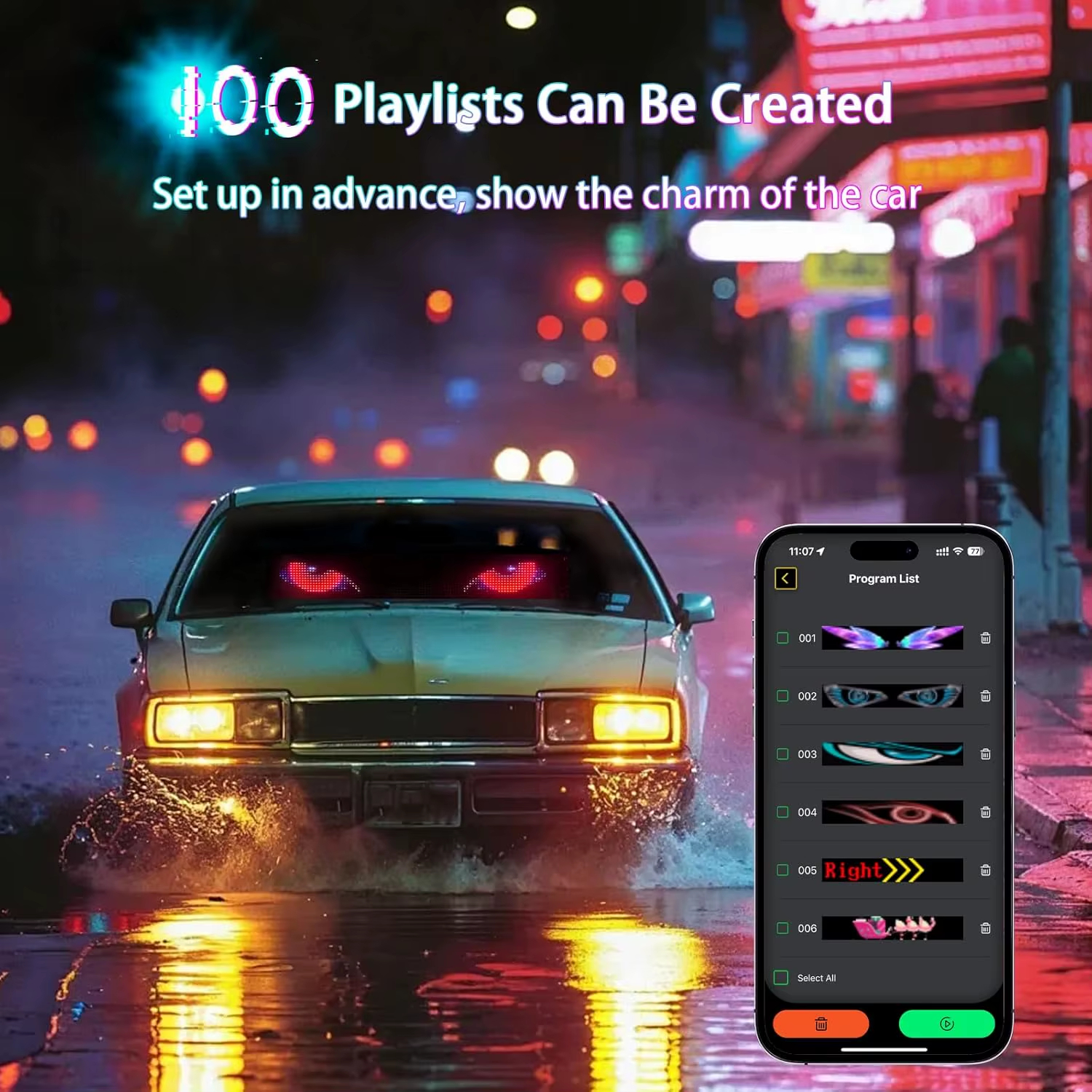
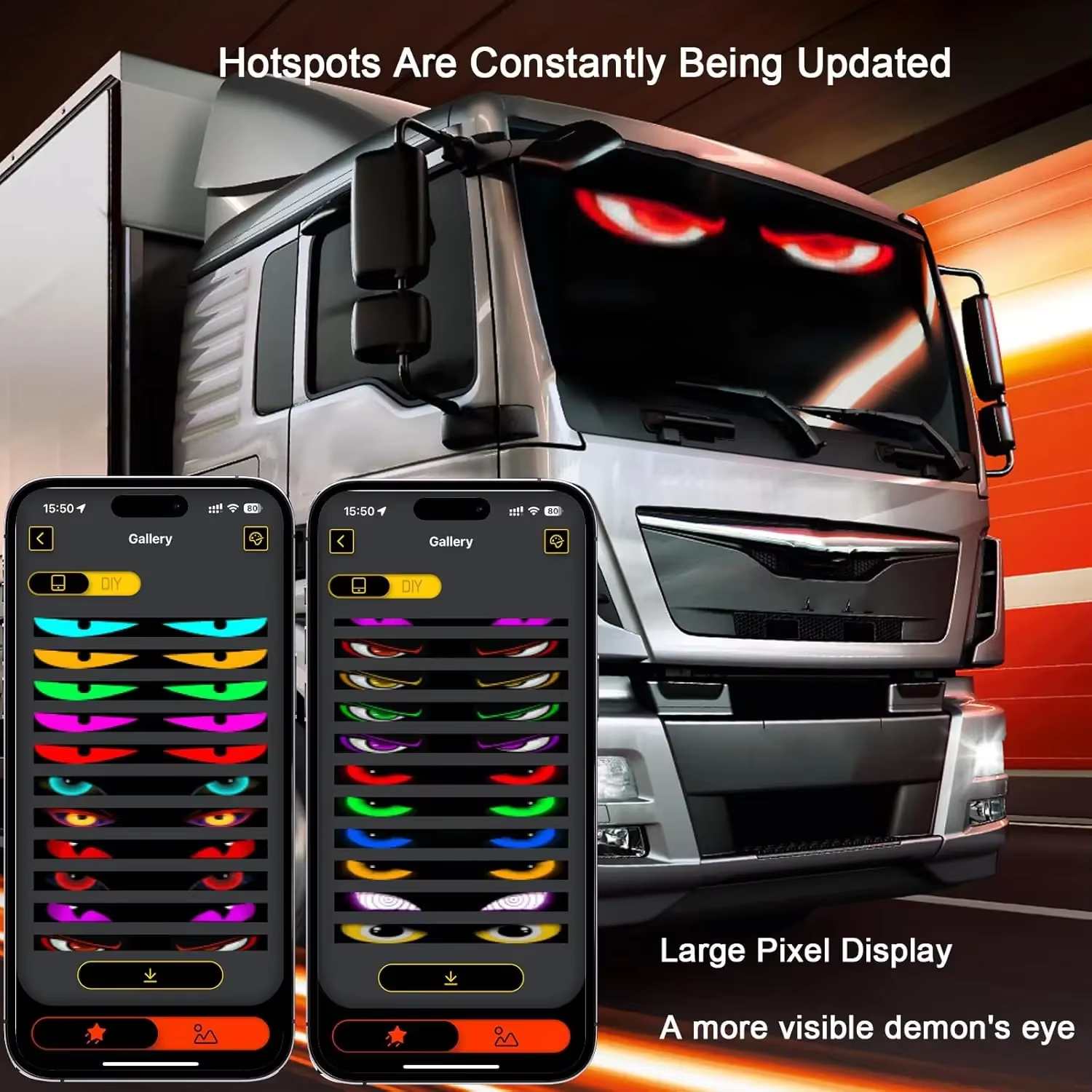
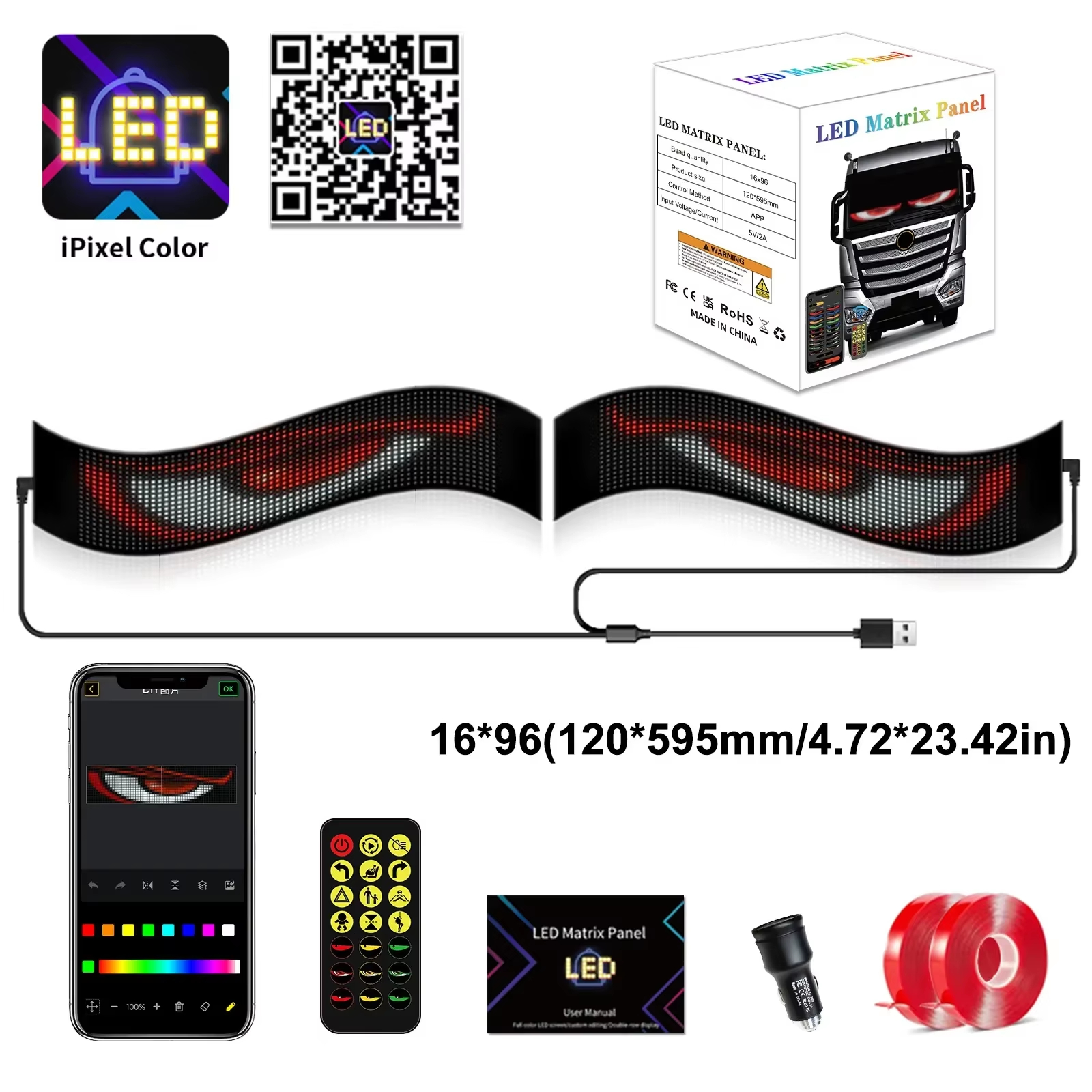
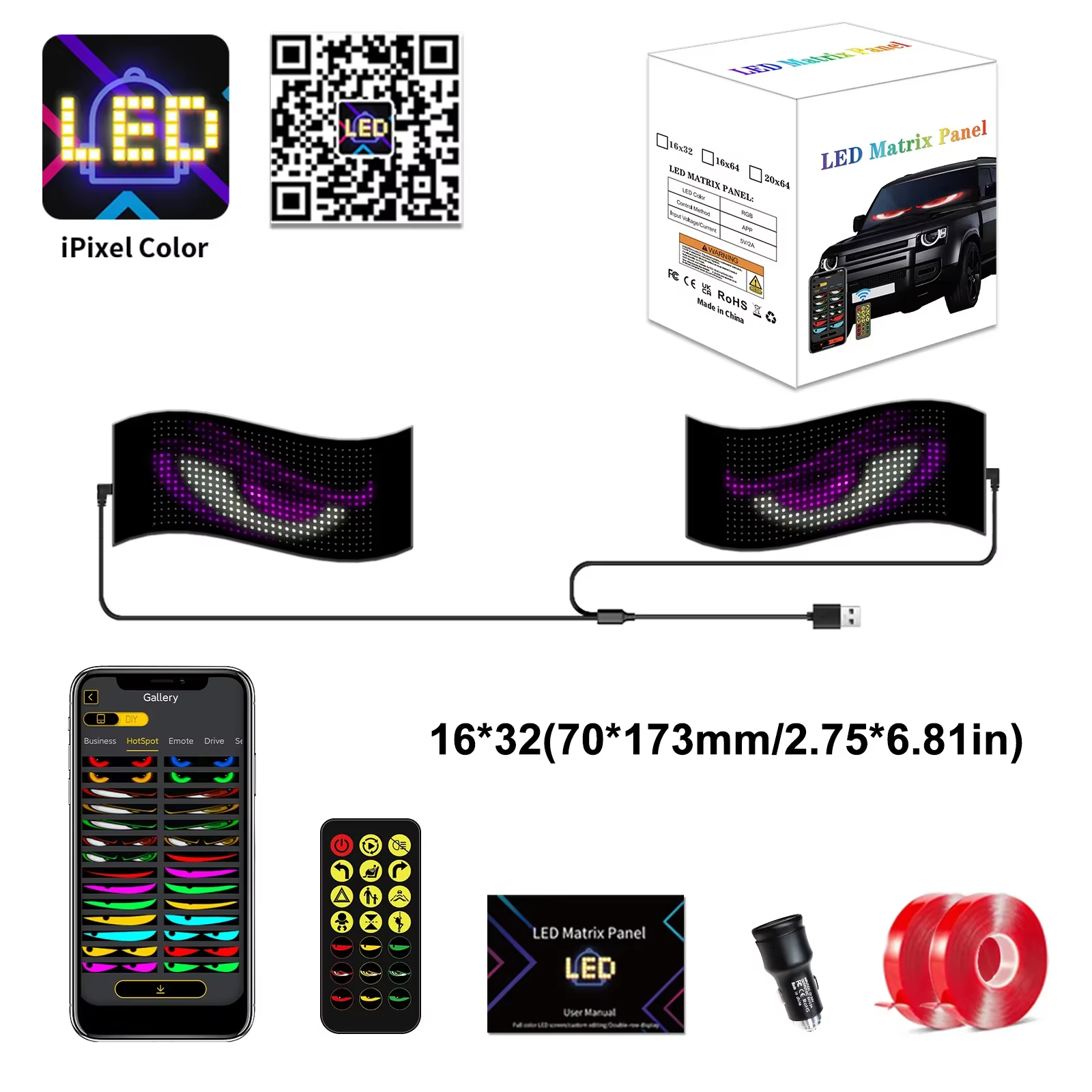
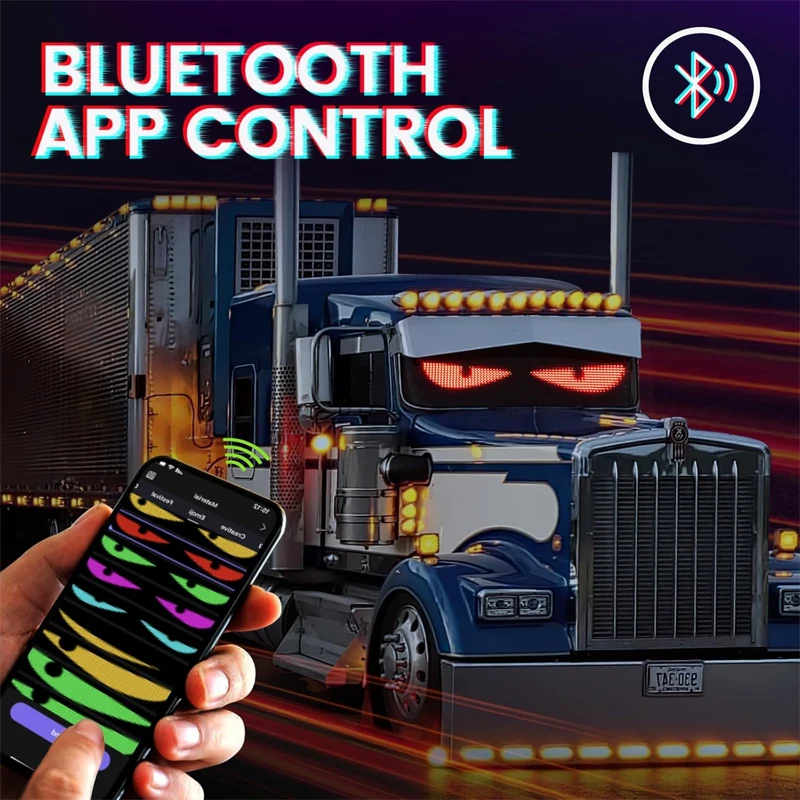
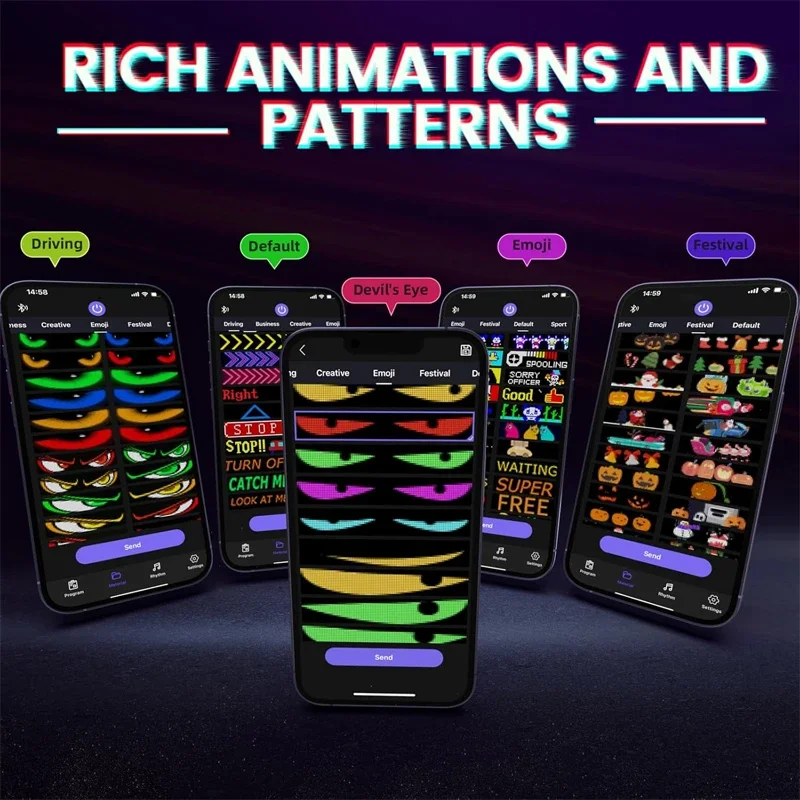
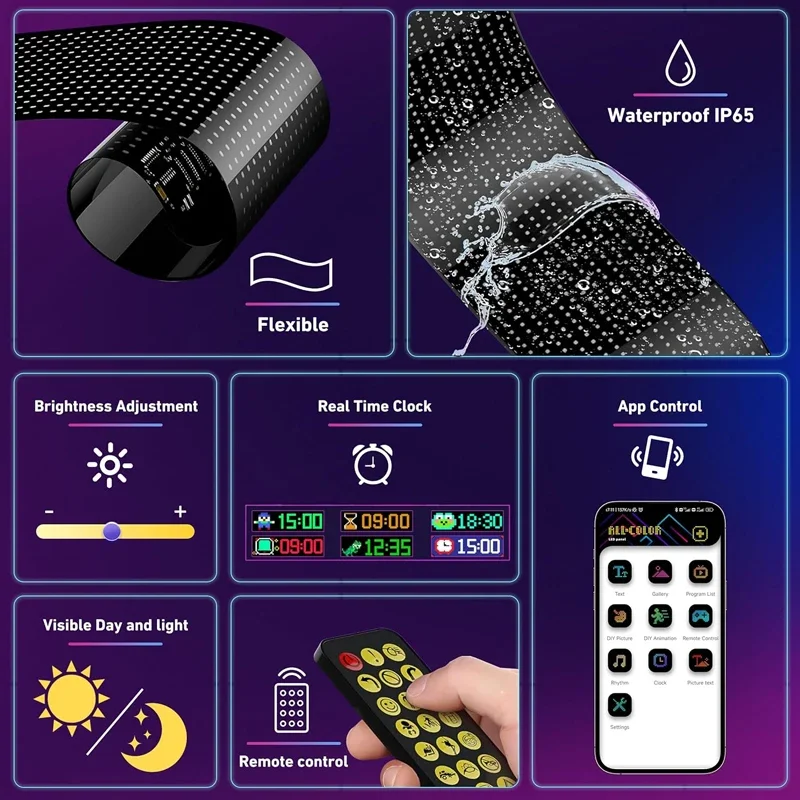
Connect via Bluetooth using the iPixel Color app to customize scrolling text, images, GIFs, animations, and emojis. Adjust brightness and scrolling speed with just a few taps.
🔄 Flexible & Easy to Install
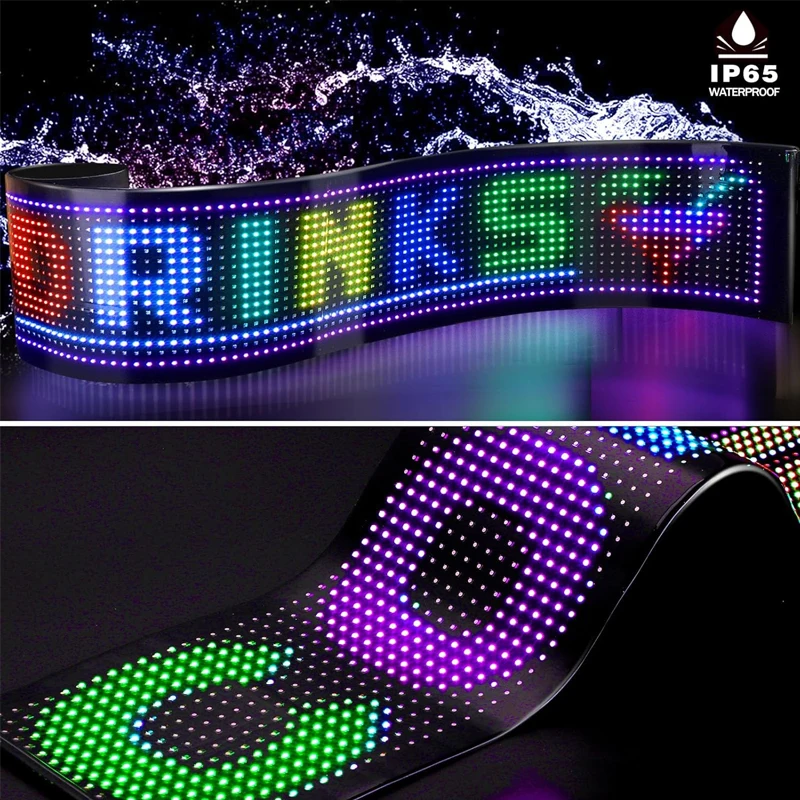
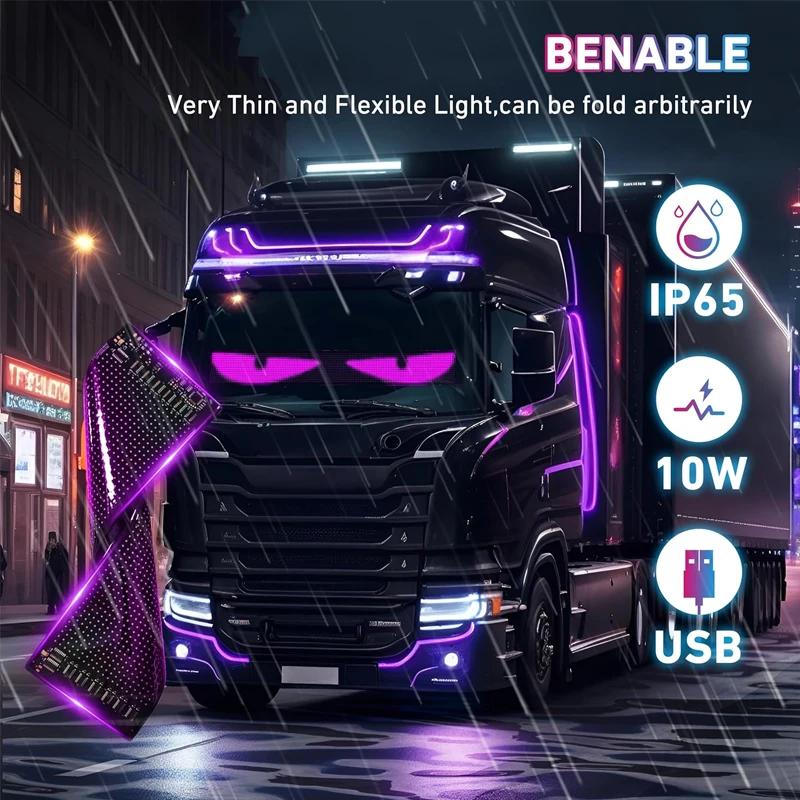
The ultra-thin, flexible LED panel bends to fit curved surfaces like car windshields and windows. Includes strong double-sided adhesive tape for quick installation.
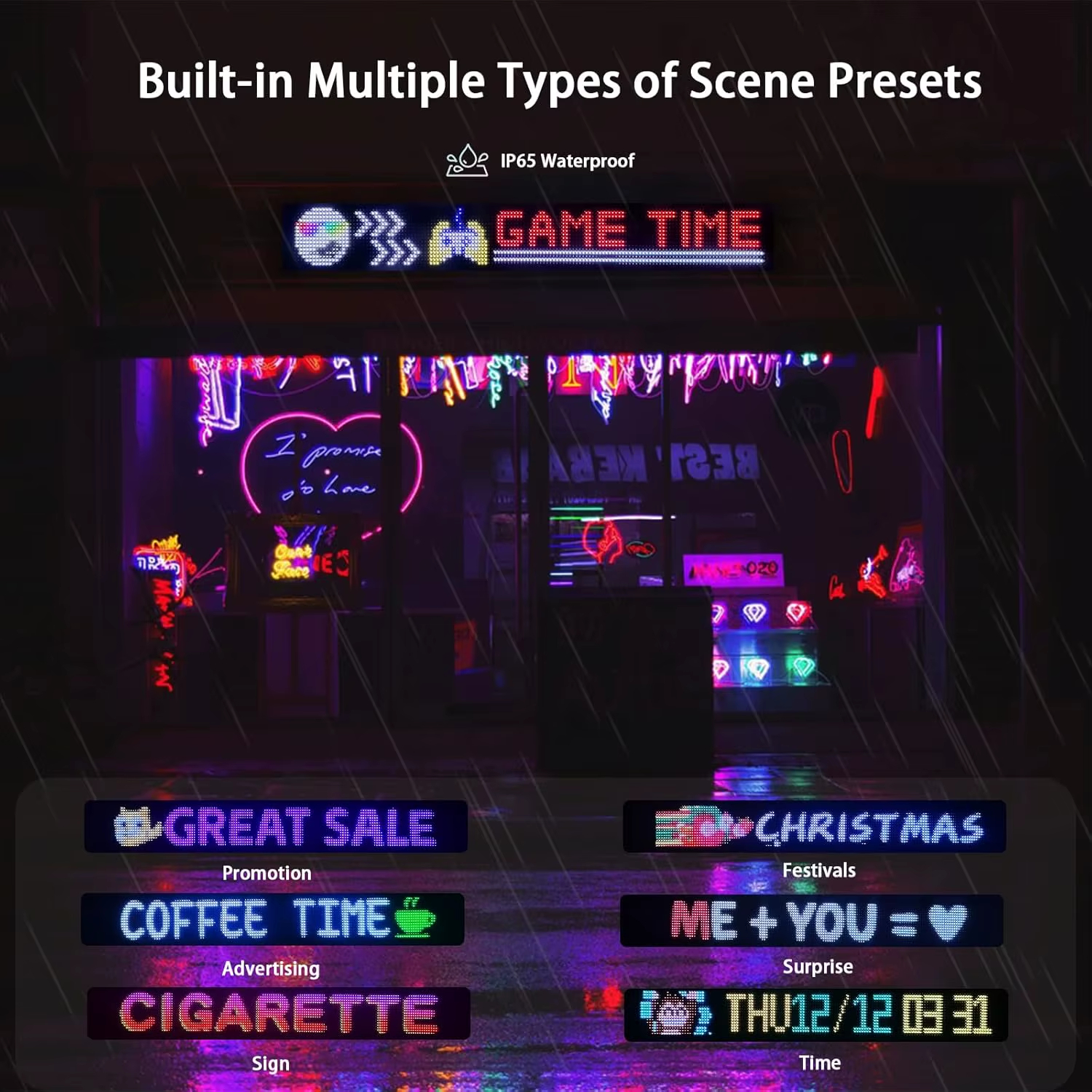
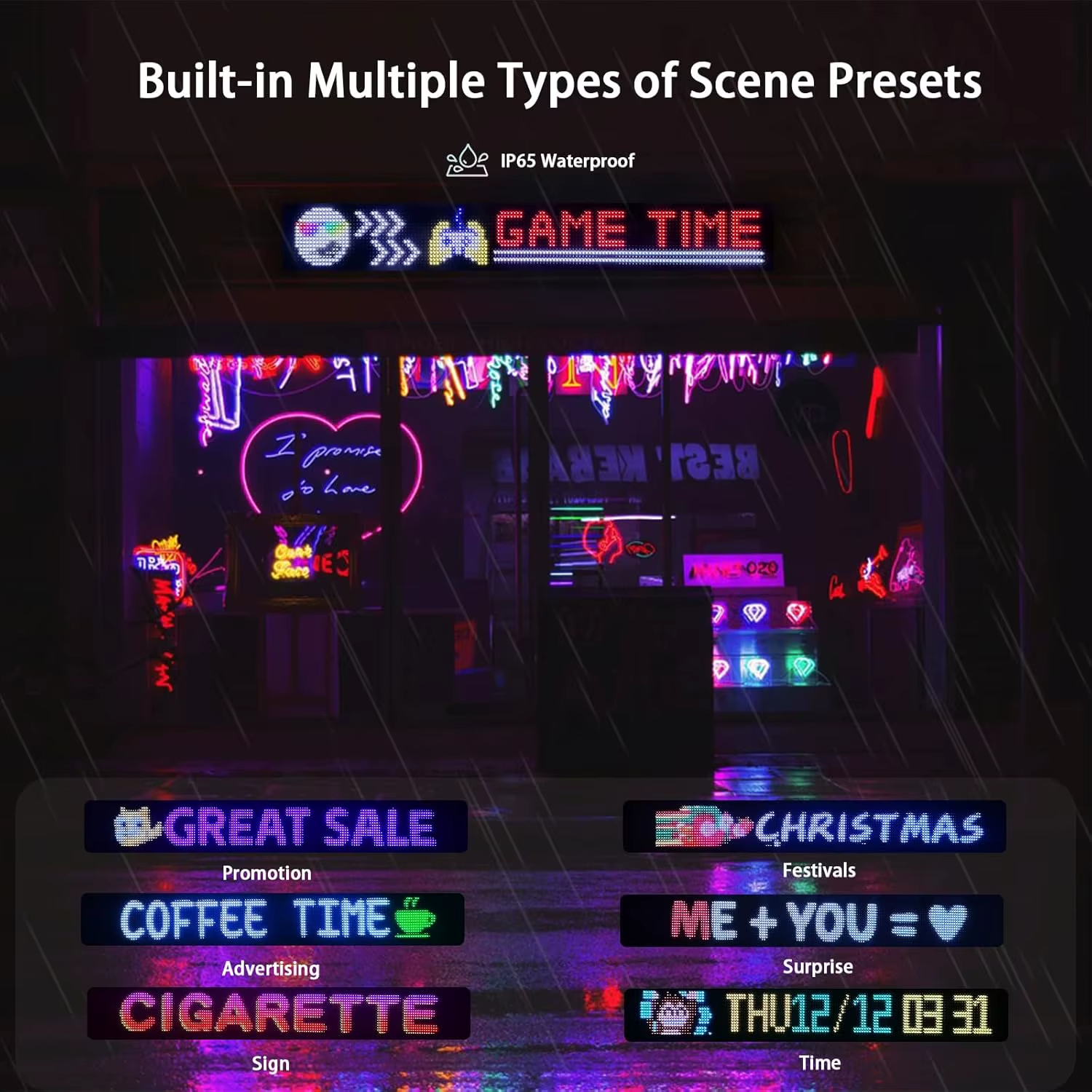
💧 IP65 Waterproof
Sealed with premium epoxy resin to protect the LED beads from water, dust, and daily wear, making it suitable for both indoor and outdoor use.
🚗 USB Powered
Powered by a standard 5V USB connection, making it compatible with power banks, car USB ports, and USB wall adapters.
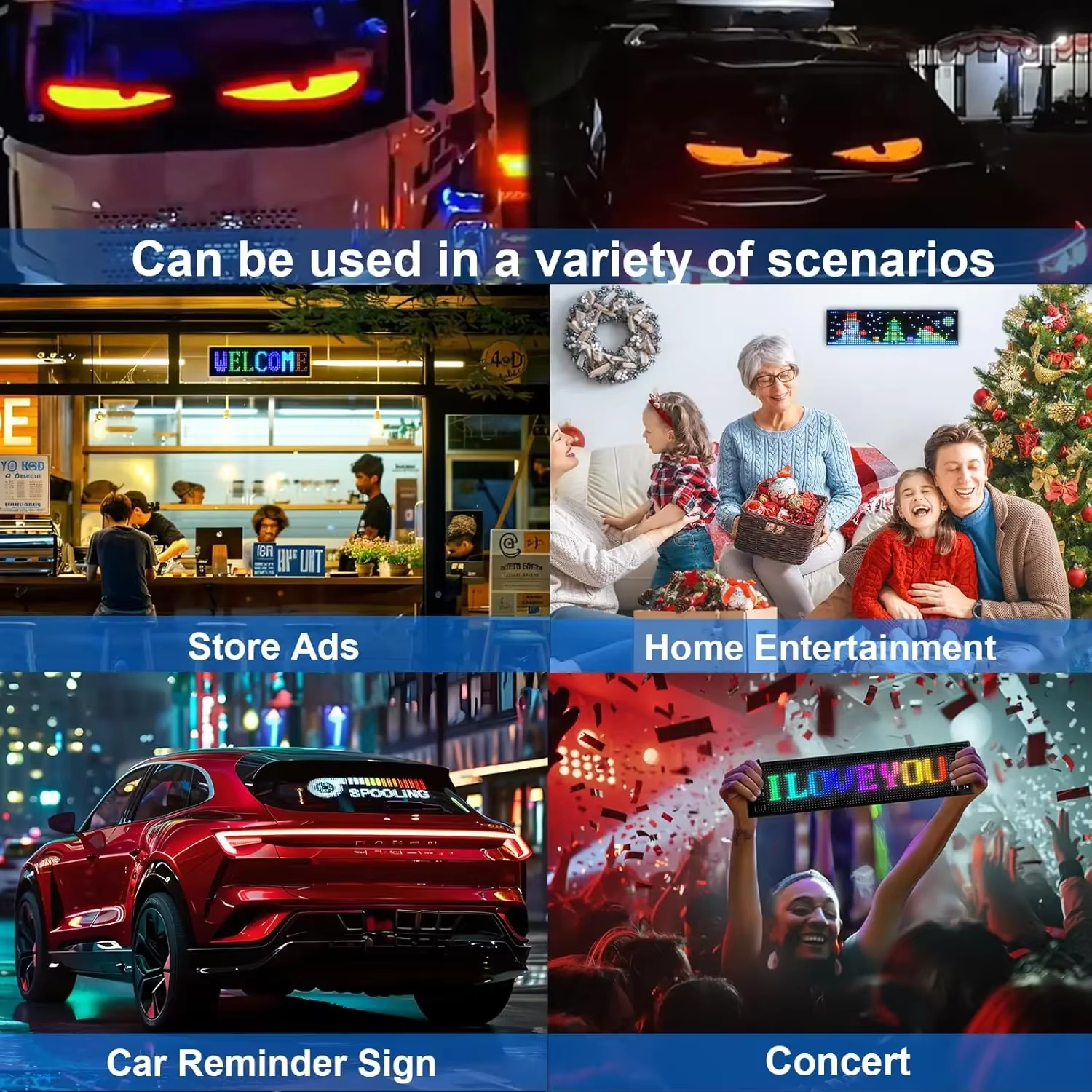
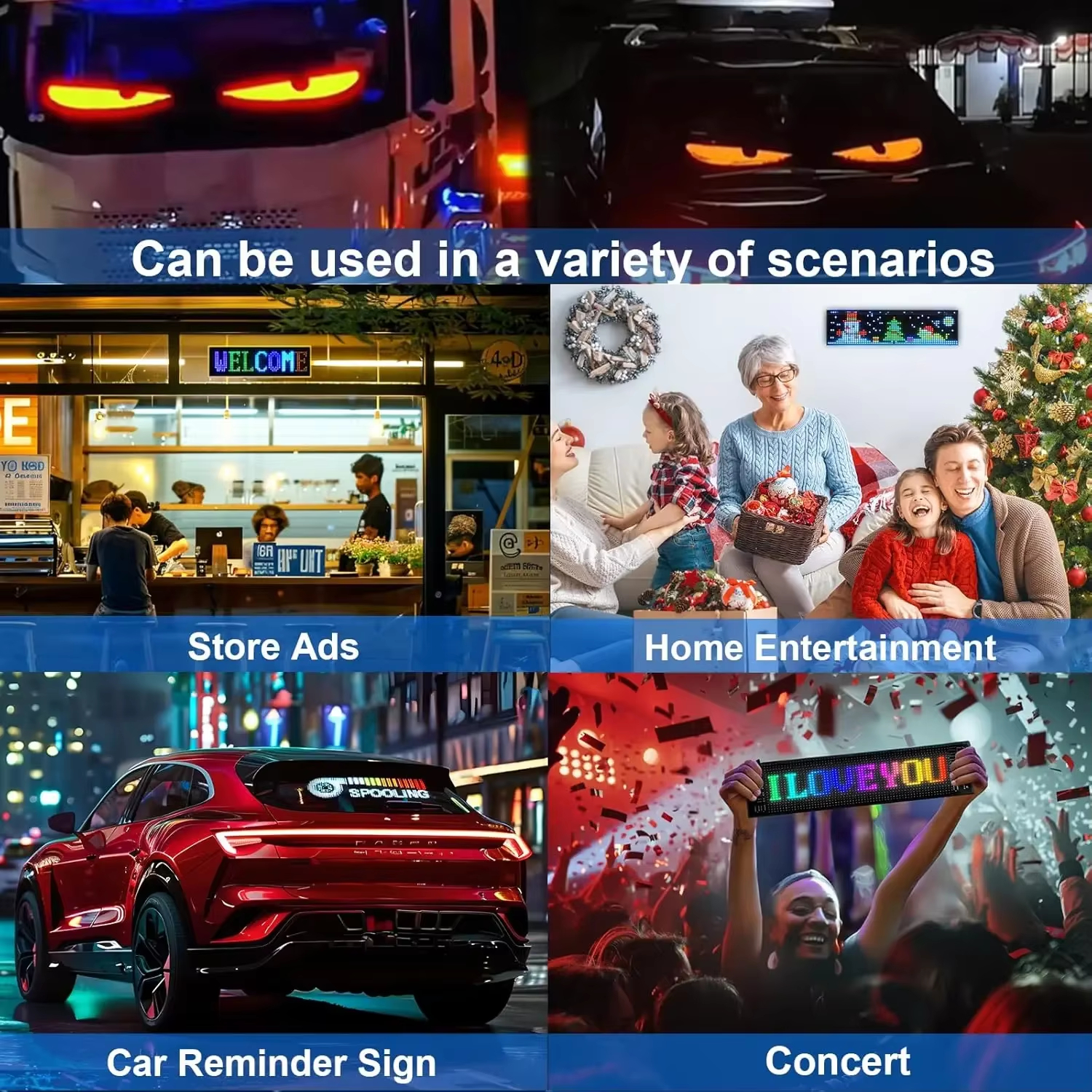
🎉 Perfect for Multiple Uses
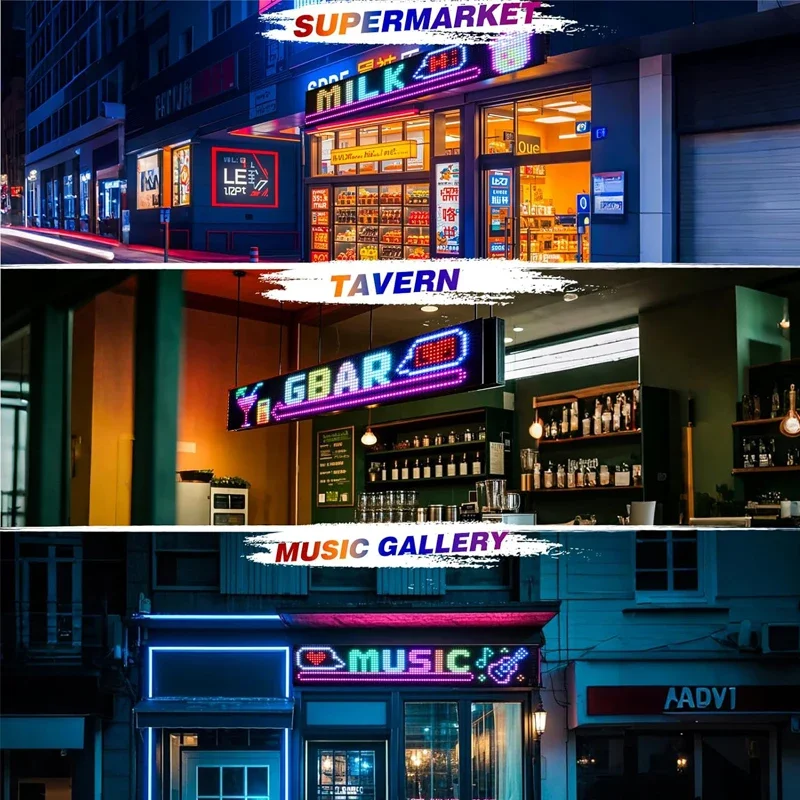
Ideal for car windshields, storefronts, restaurants, cafés, bars, hotels, events, concerts, parties, Christmas decorations, weddings, and promotional displays.
Specifications
- Product: Flexible LED Matrix Display
- LED Type: Full-Color RGB
- Control Method: Bluetooth App (iPixel Color)
- Power Supply: USB 5V / 2A
- Waterproof Rating: IP65
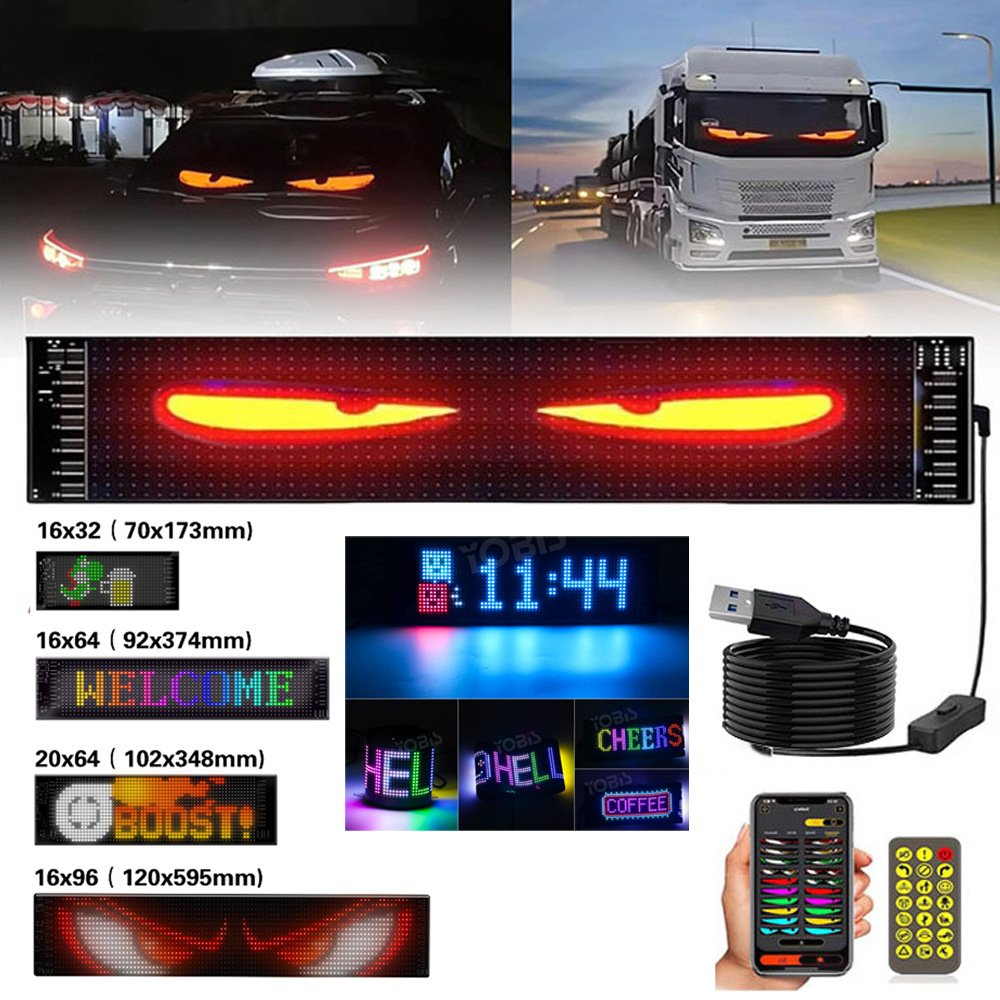
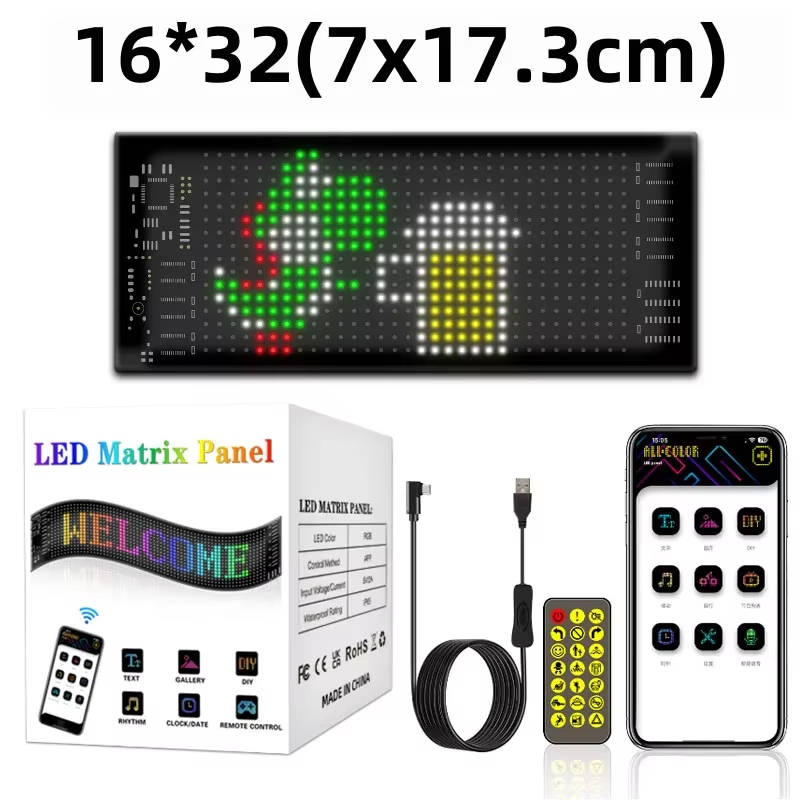
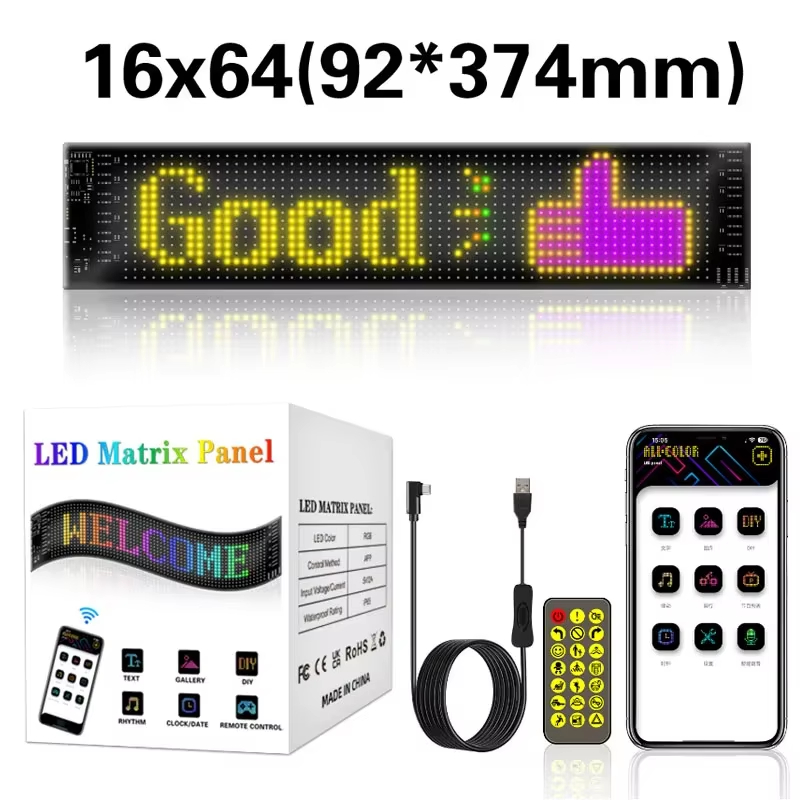
- Available Sizes:
- 16 × 32 (17 × 7 cm)
- 16 × 64 (37 × 9 cm)
- 20 × 64 (34.8 × 10.2 cm)
- 16 × 96 (59.5 × 12 cm)
Package Includes
- 1 × LED Matrix Display Panel
- 1 × USB Controller
- 1 × Remote Control (Battery Not Included)
- 1 × Double-Sided Adhesive Tape
- 1 × User Manual


Important Notes
- Use a 5V/2A or higher USB power adapter for the best performance.
- Do not power the display using low-output USB ports such as those on TVs or computers.
- Avoid excessive bending or pulling to prevent damage to the display.
- If the display does not power on properly, try using a higher-output USB charger.